
Description
- High-concerned chemical: None
- Standards And Protocols: Wi-Fi 802.11g
- Wireless transmission rate: 150m
- Support Mesh: Support
- Frequency: 2.4 GHz
- Antenna Type: Internal
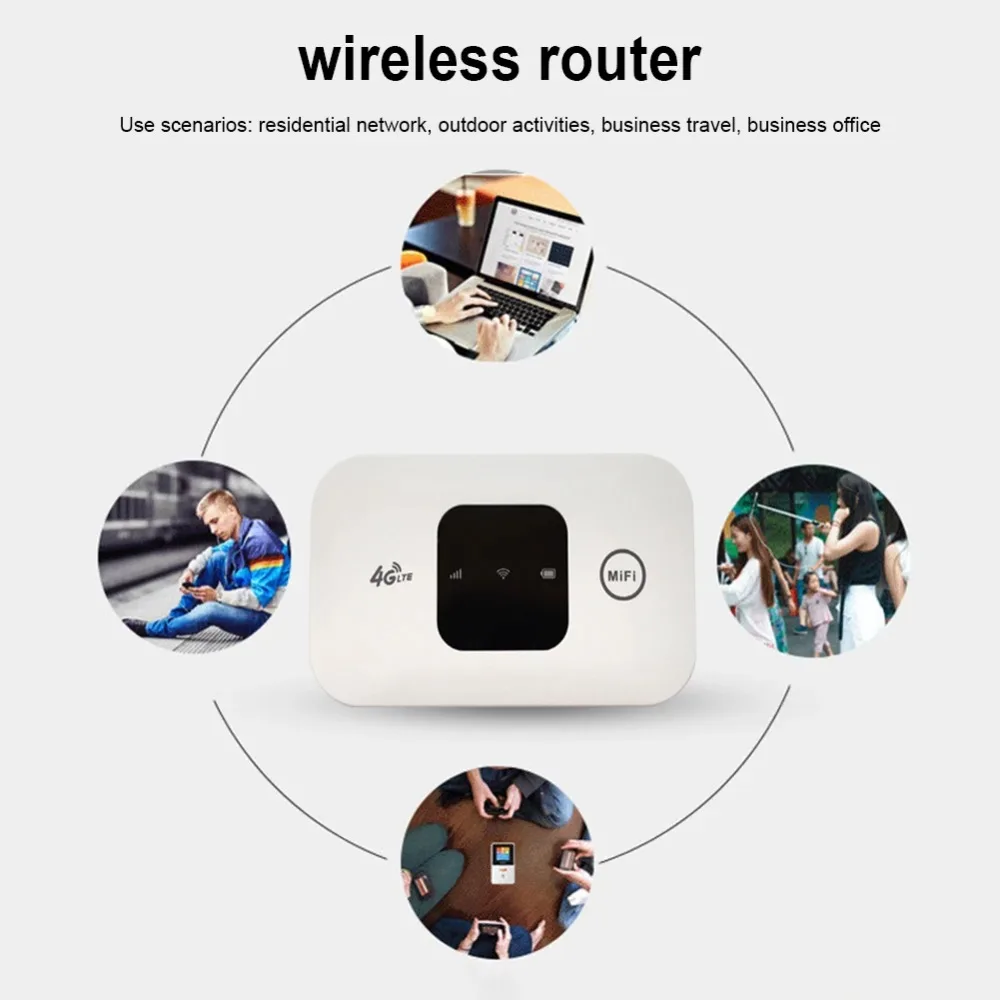
- Recommended Uses: Home
- Wireless Communication Standard: 802.11.g
- Frequency Band Class: Single-Band
- With Modem Function: No
- Type: WireLess
- Brand Name: XIKCU
- Origin: Mainland China
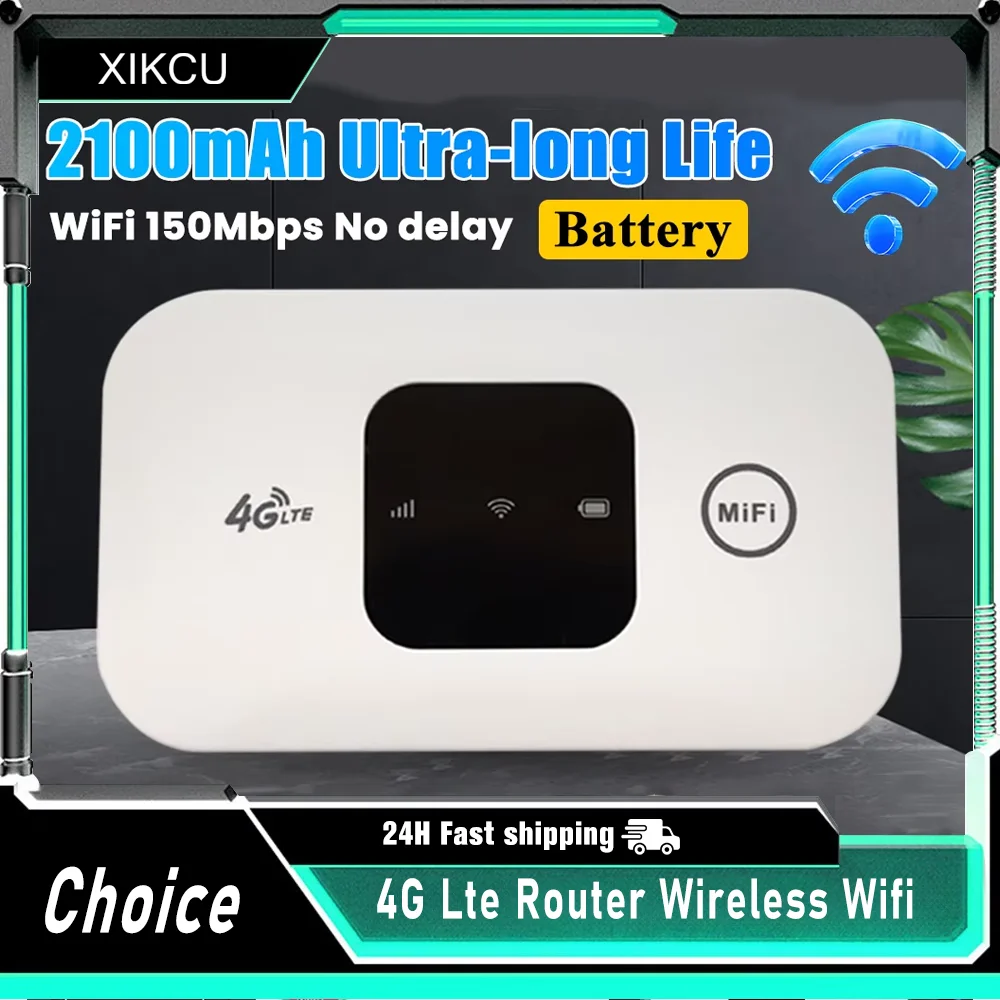
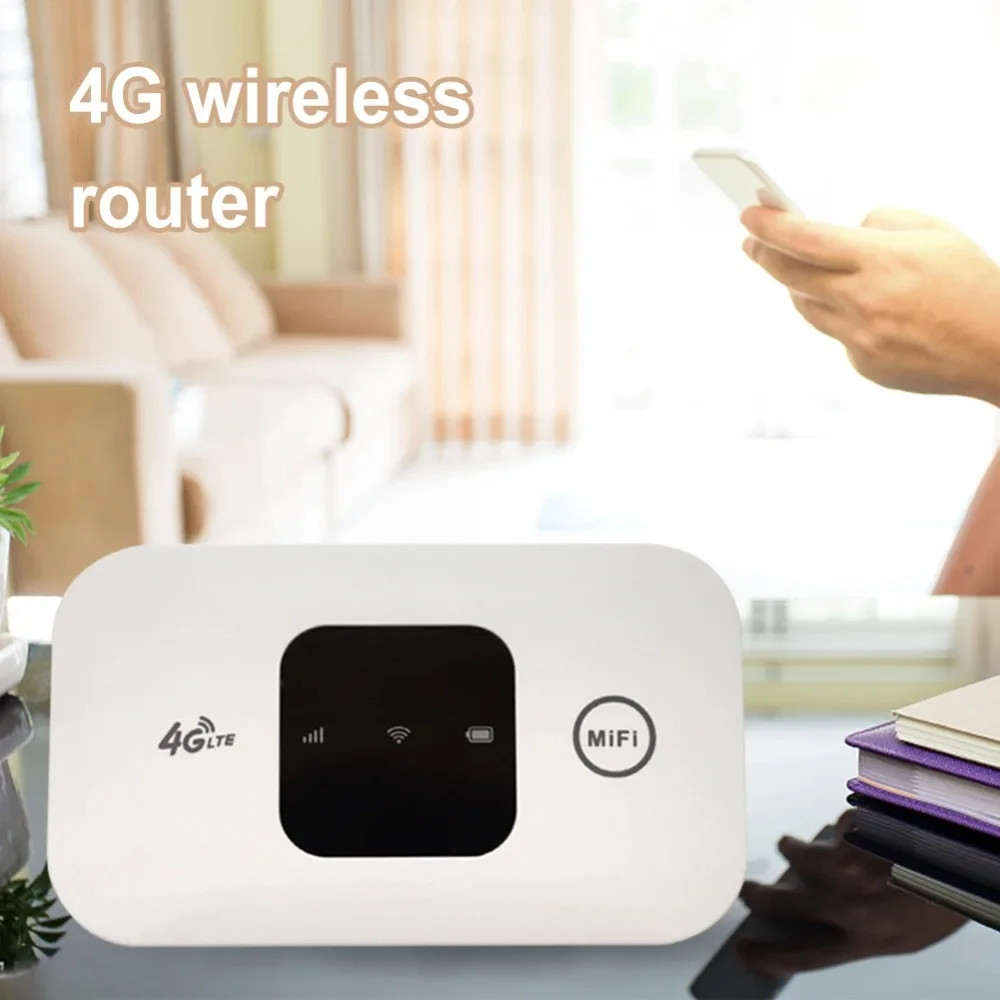
4G Pocket WiFi Router Portable Mobile Hotspot 150Mbps 4G Wireless Router with SIM Card Slot Wide Coverage Broadband
Feature:
1. High-Speed 4G Connectivity: Enjoy fast and reliable internet access with speeds of up to 150 Mbps DL and 35 Mbps UL with this 4G pocket wifi router, ensuring smooth browsing, streaming, and downloading experiences.
2. Wide Frequency Band Support: This mobile hotspot supports various frequency bands including B1, B3, B5, and B40, providing flexibility and compatibility with different network carriers.
3. Enhanced WiFi Connectivity: With support for the 802.11b/g/n WiFi standard and MIMO technology, this wireless modem delivers a stable and efficient wireless connection, allowing multiple devices to connect simultaneously.
4. Versatile Compatibility: This 4G wireless router is compatible with web browsers, ensuring easy setup and configuration for users across different platforms and devices.
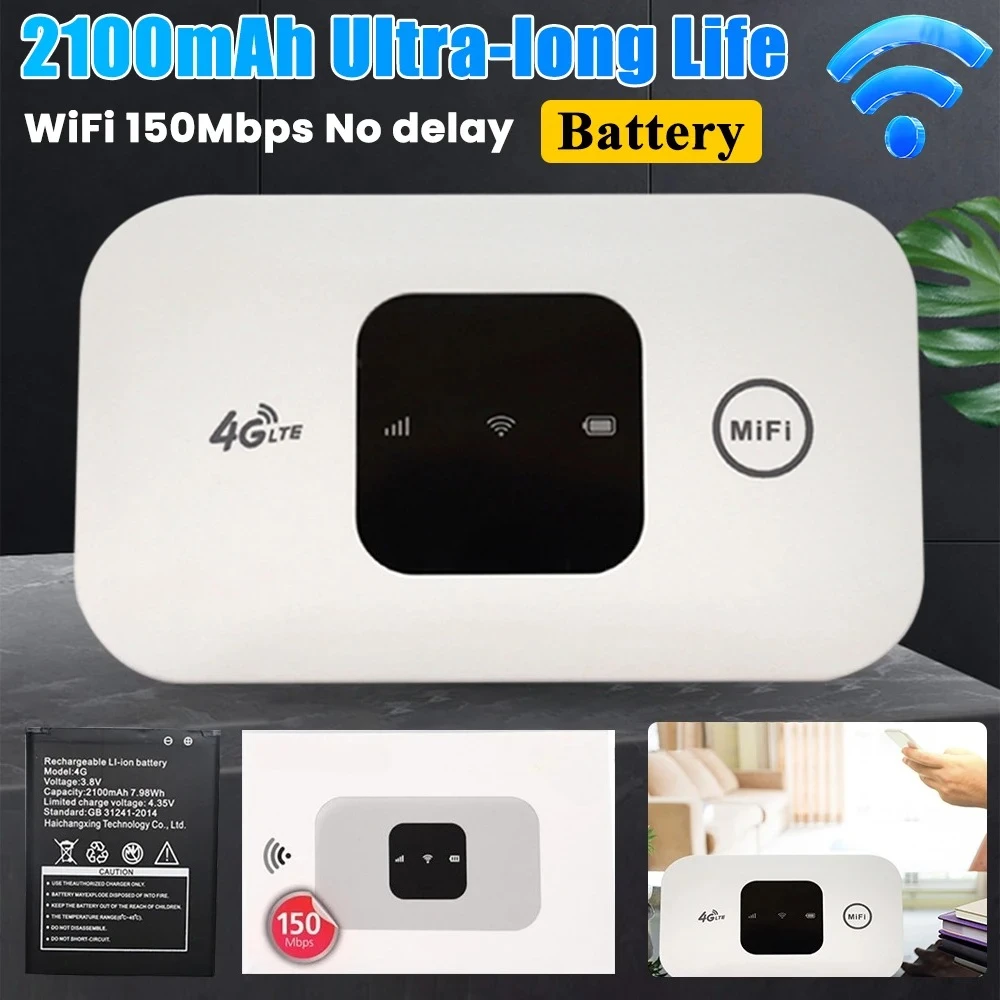
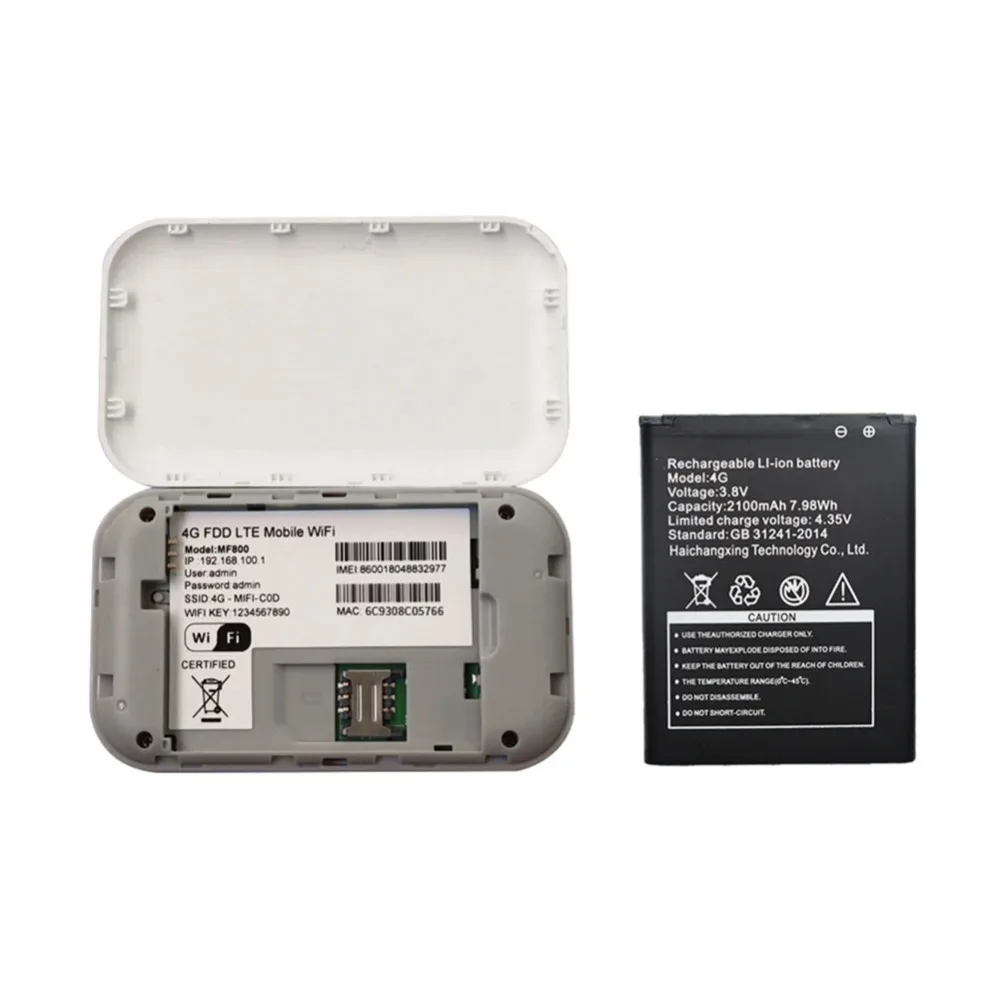
5. Portable and Long-Lasting: Featuring a 2100mAh lithium battery, this broadband offers on-the-go connectivity. Whether you're traveling or working remotely, you can stay connected for extended periods without worrying about running out of power.
Note: There is a protective film on the outer layer of the battery, and when charging, the protective film needs to be torn off to complete the charging
Specification:
Color: White
Support 4G frequency band: B1/B3/B5/B40
Frequency band:
DD-LTE: Cat4 130 Mbps DL/35Mbps
FDD-LTE: Cat4 150 Mbps DL /50Mbps
WiFi standard: 802.11b/g/n1"1
WCDMA: WCDMA: Downlink 21Mbp/UL 5.76Mbps
3GPP/3GPP2 protocol: LTE FDD/TDD version 9
Interface: USB
Compatibility: WEB Cross-browser compatibility
Battery: 2100mAh lithium battery
How to use a router:
1. Push the rear cover down.
2. Insert the SIM card with the card core facing downwards
3. Insert the USB port into the power supply to obtain WiFi
4. Connect to WiFi and you can go online.
5. Connect to WIFI and open 192.168.100.1 in the browser to enter the background. The background can modify the WIFI name and password to add an APN.
Note:
Due to the different monitor and light effect, the actual color of the item might be slightly different from the color showed on the pictures. Thank you!
Please allow 1-2cm measuring deviation due to manual measurement.
Package List:
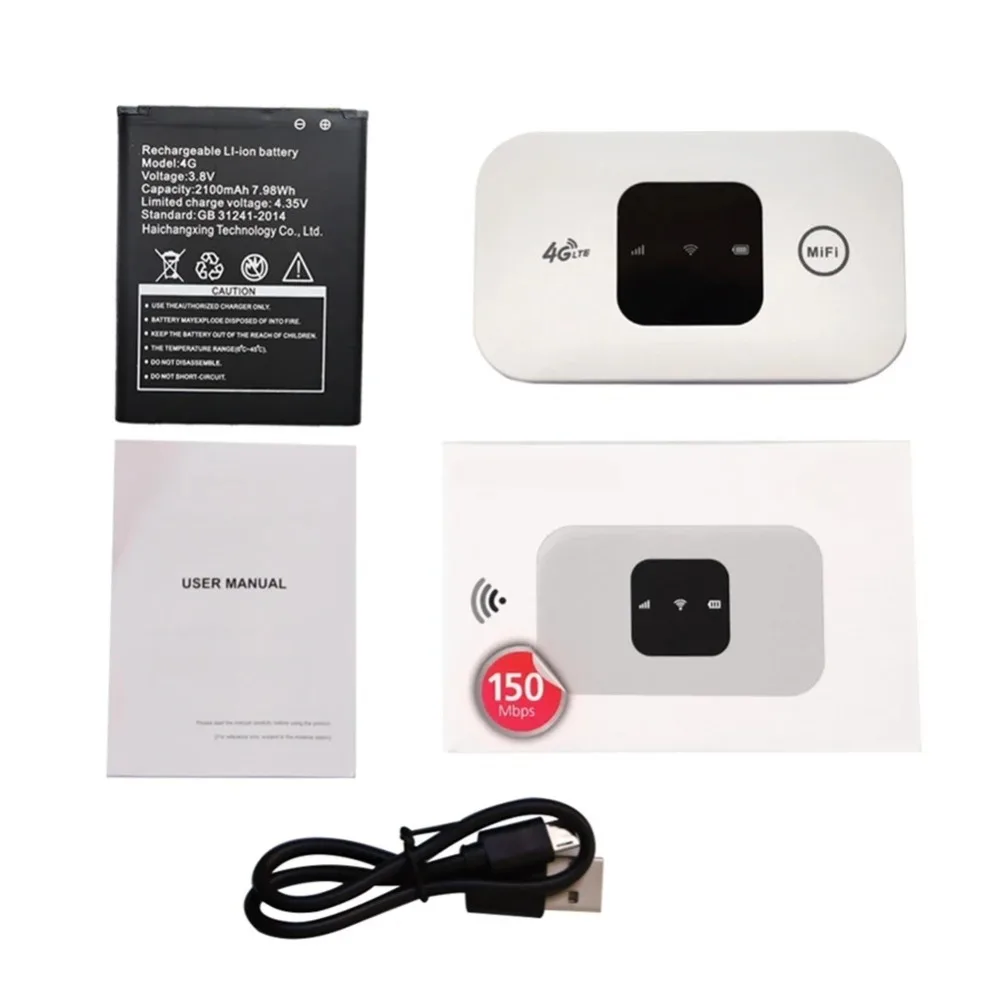
1 x Router
1 x Battery
1 x Data cable
1 x Instruction manual


8 reviews for 4G Lte Router Wireless Wifi 2100mAh Mobile Hotspot with SIM Card Slot Hotspot Pocket WIFI 150mbps for Outdoor Home Office Travel
Vendor Information





AliExpress Shopper (verified owner) –
very good 4G hotspot with SIM card, coverage throughout the house without problem. In France with Lebara SIM card without PIN code.
K***r (verified owner) –
This is my third router! It’s working really well and I like it! Good good god god! Data sharing in the car is also great!
AliExpress Shopper (verified owner) –
The device is excellent, arrived relatively quickly, works in Israel with a netfli-x filter – easy setup of the app, and it works, but the battery drains relatively quickly after 3-4 hours.
AliExpress Shopper (verified owner) –
Wraped ,factory clean device, i will try but i have no doubt it is perfect for outdoor or indor using,very fast delivery
AliExpress Shopper (verified owner) –
The SIM card is recognized immediately because it’s activated. To change the password, go to the router management in the password confirmation window after connecting.
J***A (verified owner) –
With a Digi SIM card, I managed to get it to work by going into the router settings and manually adding the APN (data to access the internet). It wasn’t easy, but I managed to do it and it works very well. In the attached photo, you can see the details.
AliExpress Shopper (verified owner) –
Thank you, thank you.
AliExpress Shopper (verified owner) –
It’s working well. I had some trouble at first because I didn’t know how to use it, but it’s working fine now.