
Description
- High-concerned chemical: None
- Switches Hot swap: Yes
- Backlight Type: Multicolor
- Package: Yes
- Style: Standard
- Interface Type: USB
- Battery Included: No
- Operation Style: Mechanical
- Language: UK
- Keyboard Standard: 61 Keys
- Application: Desktop,Laptop,Tablet
- Type: Wired
- Brand Name: APAYADO
- Origin: Mainland China
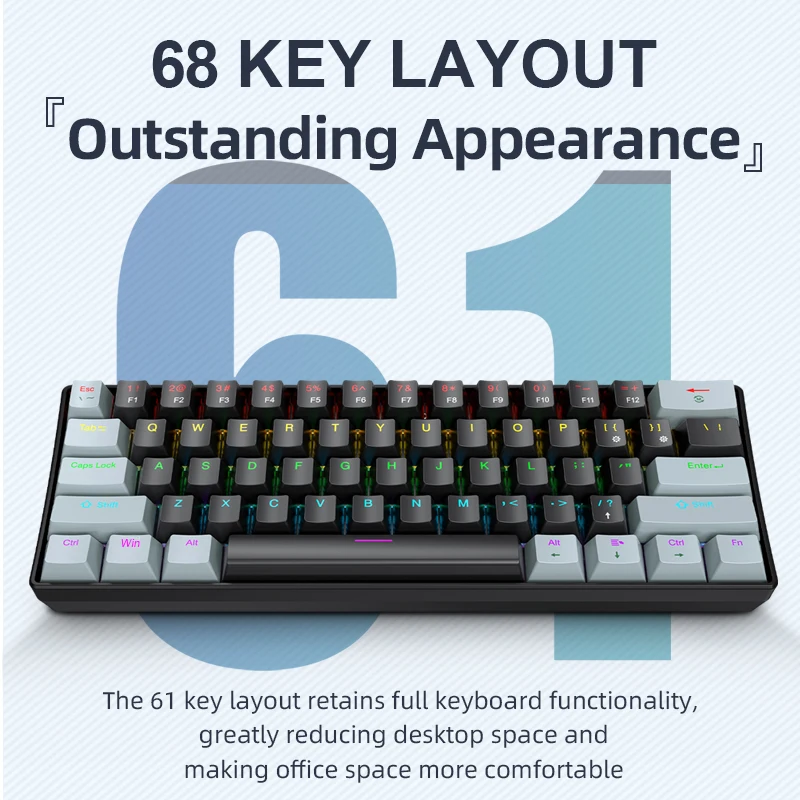
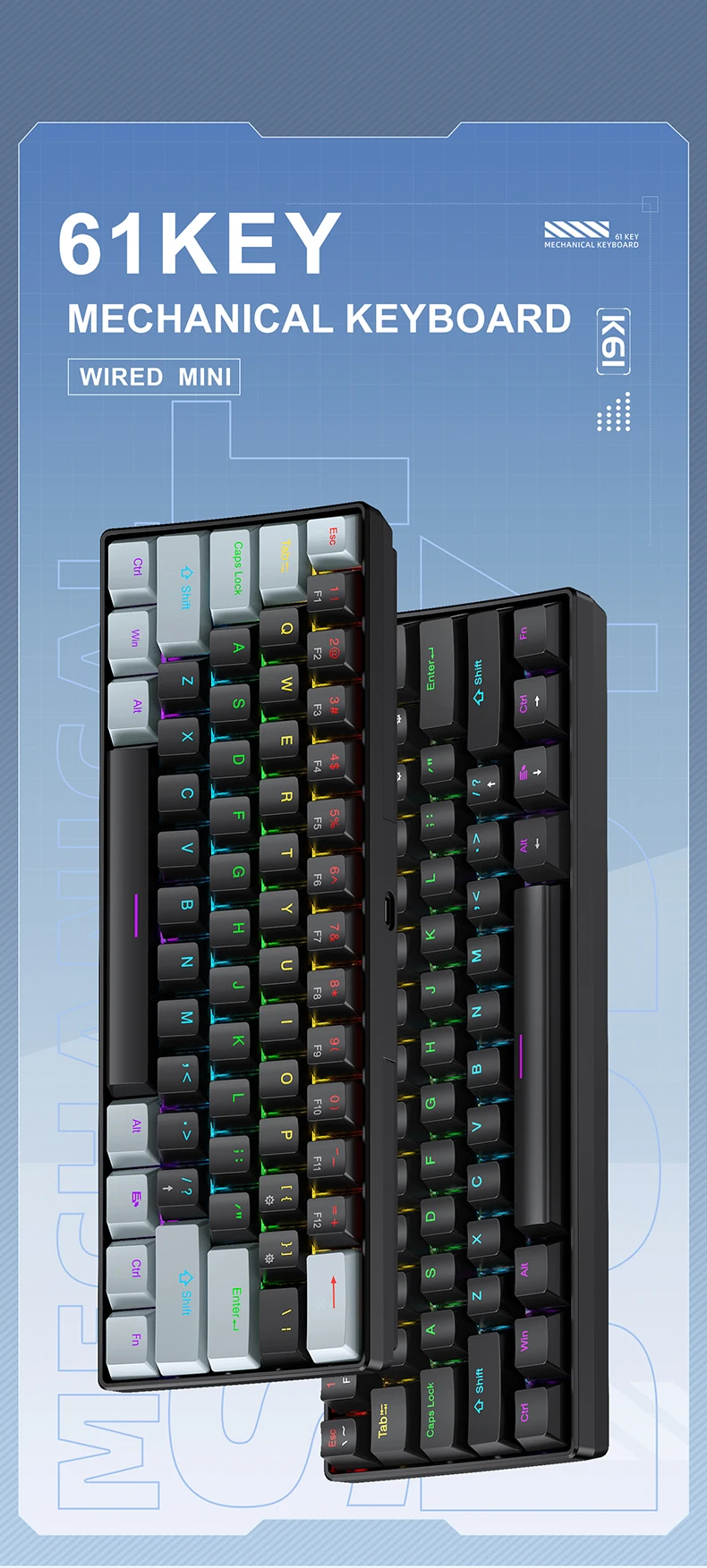
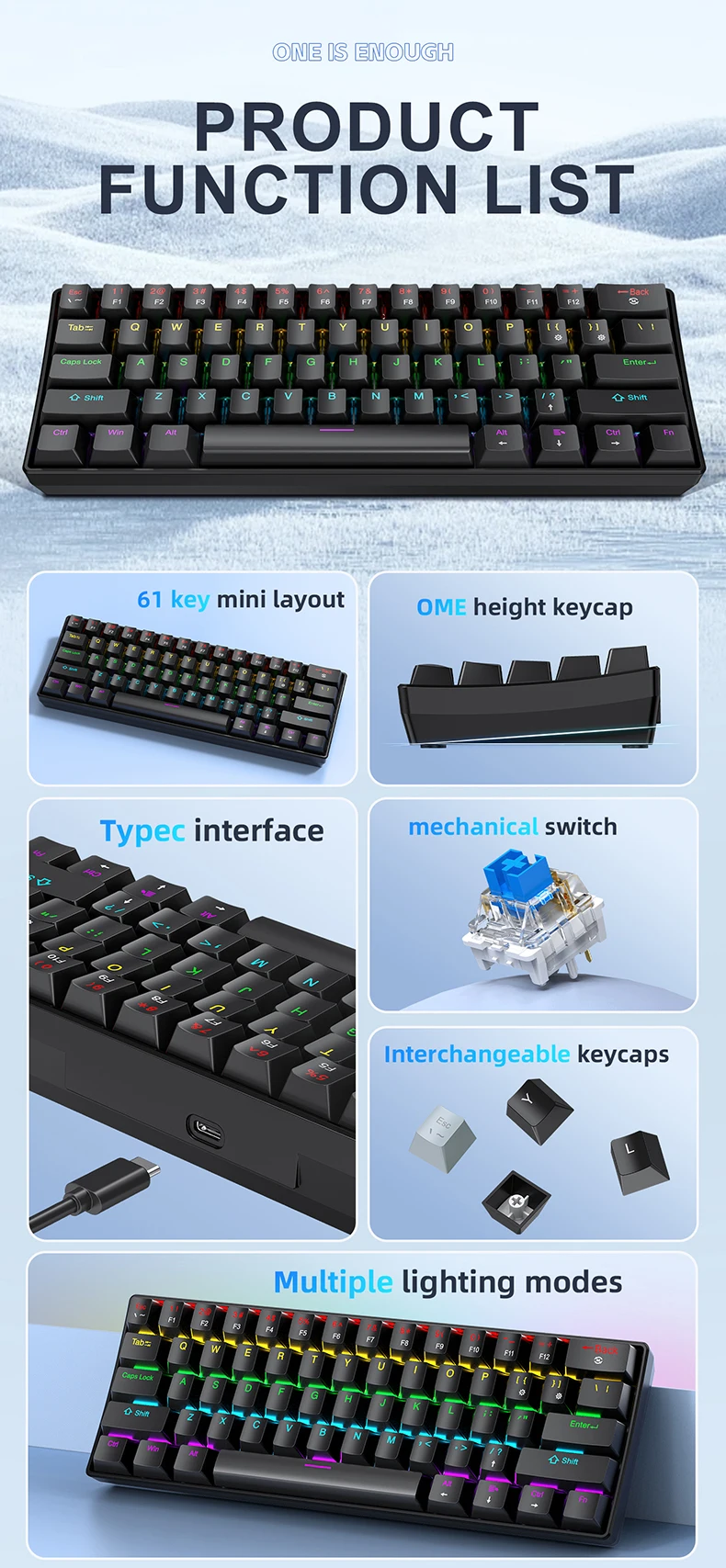
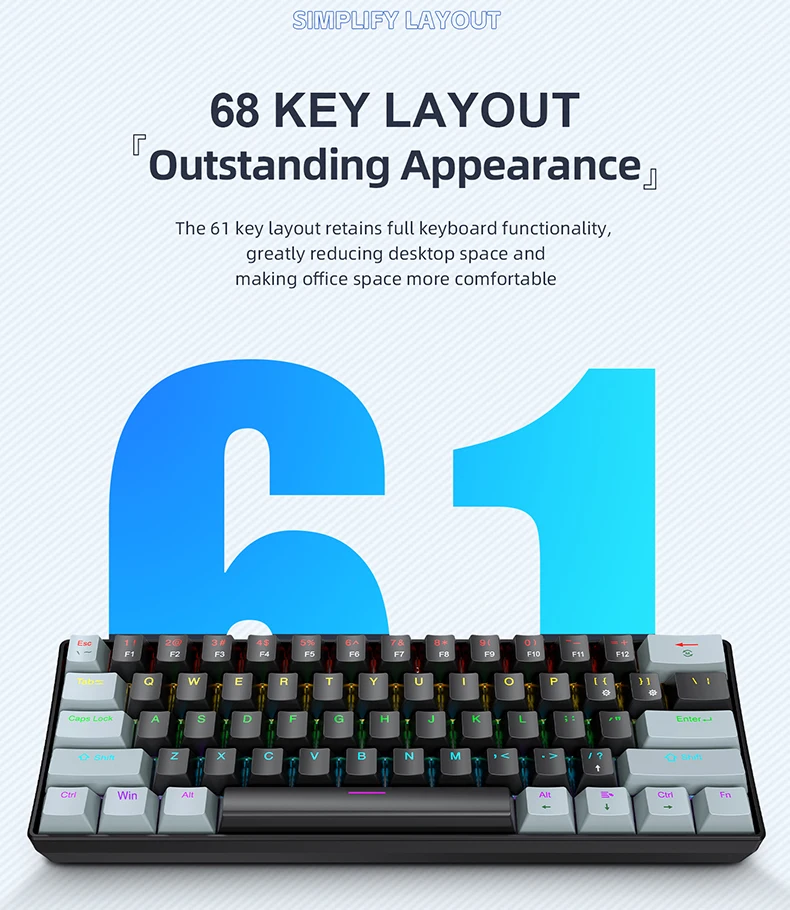
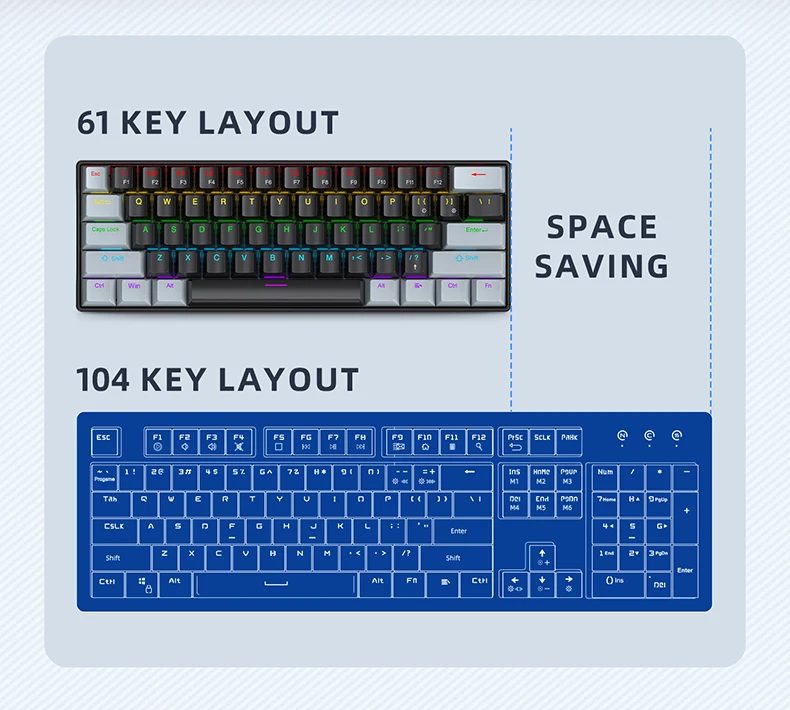
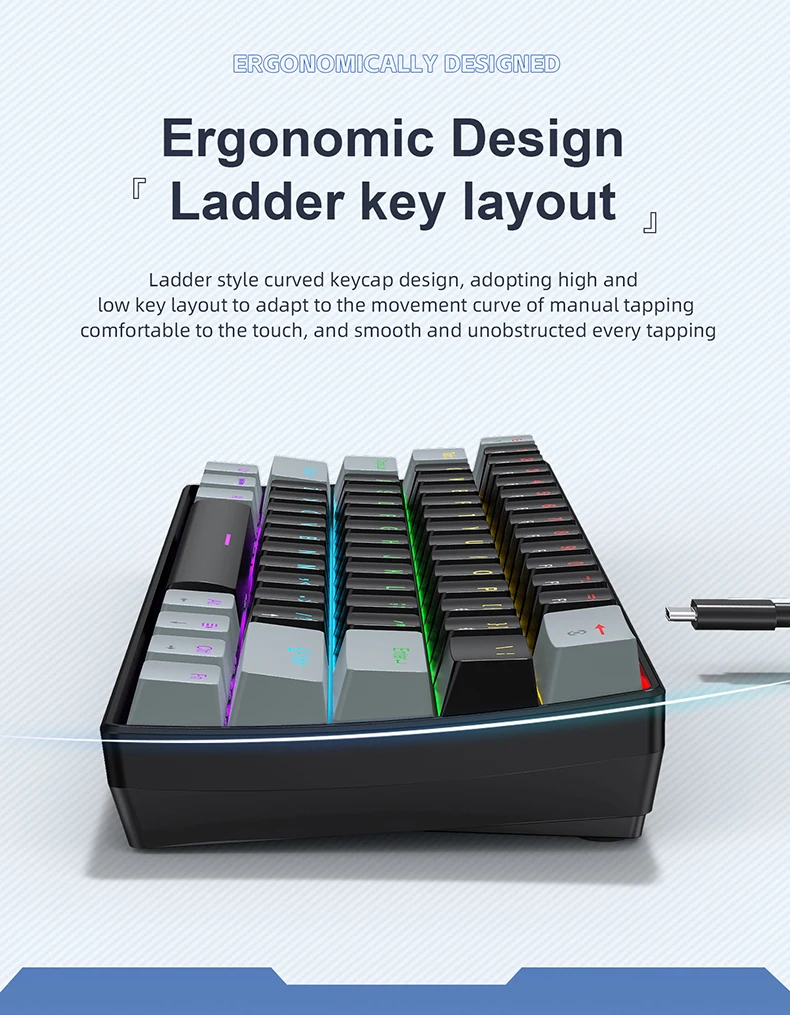
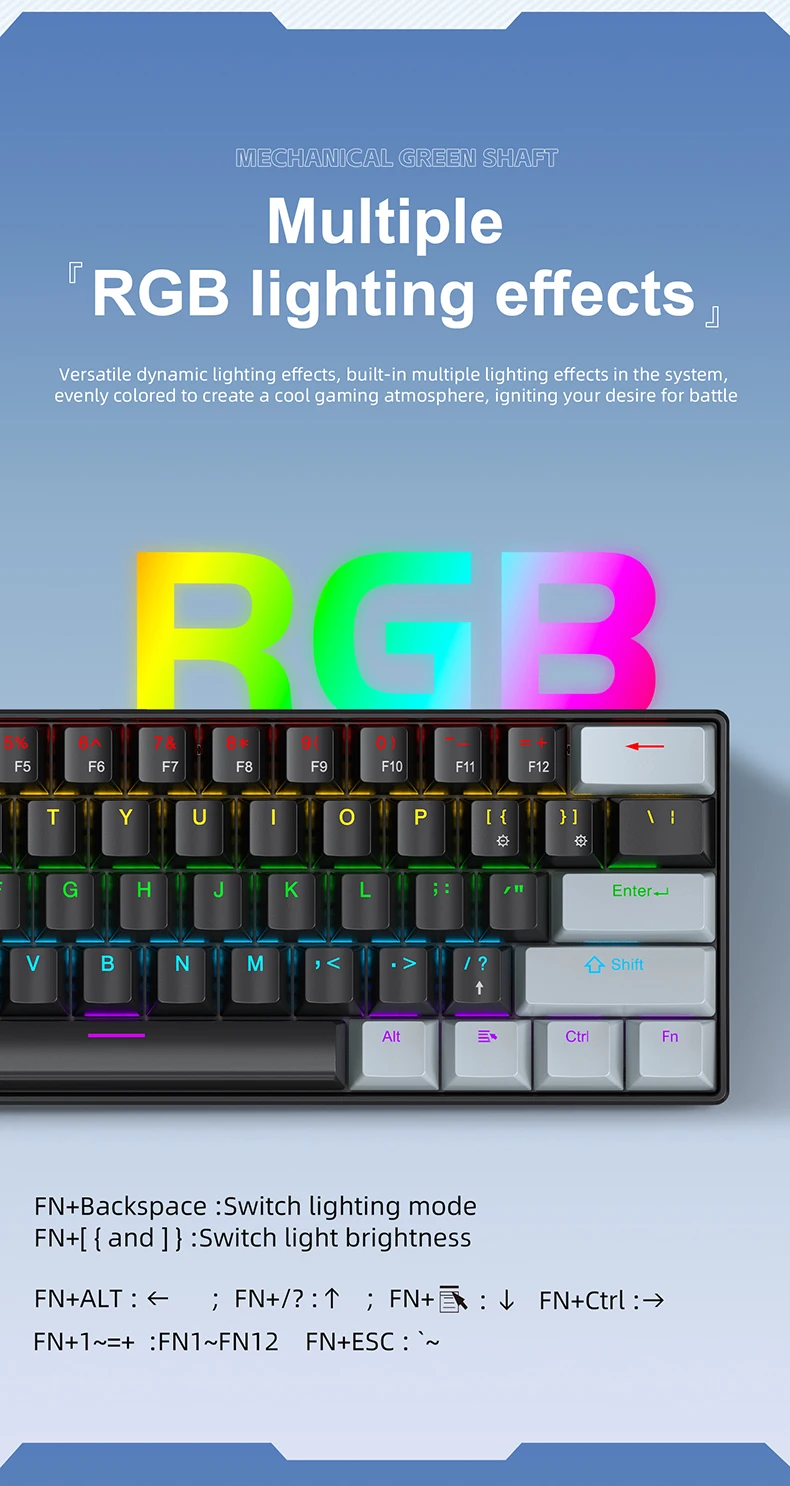
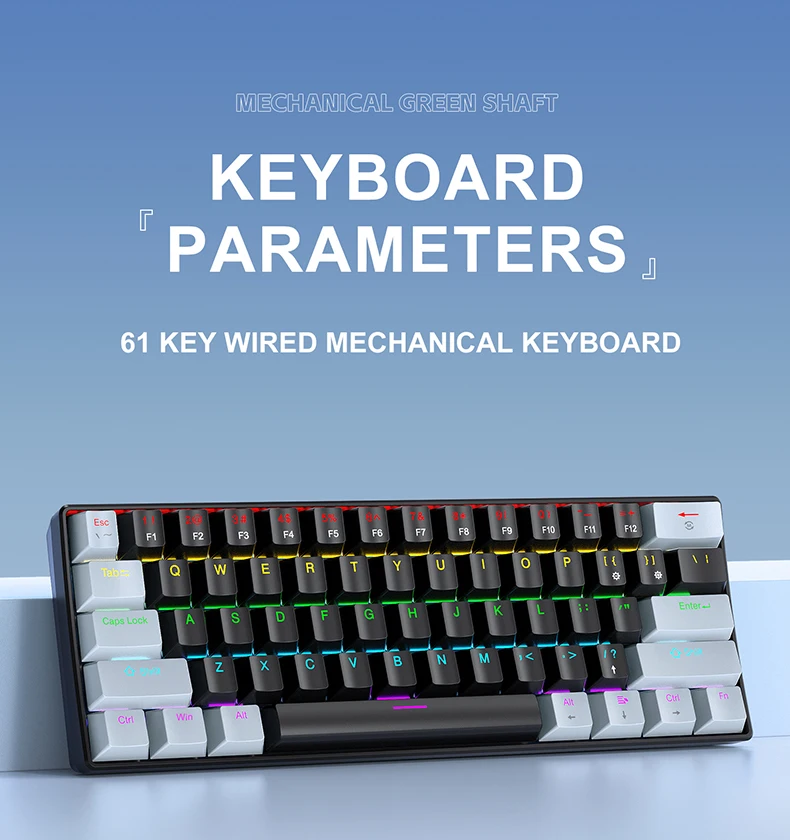
The K61 mechanical keyboard stands out with its unique charm. Its 60% portable structure combined with a 61 – key mini design features a exquisite shape that greatly saves space, making it easy to carry and use. Equipped with mechanical switches, with two options of blue switch and red switch, it brings users a diverse typing experience. Blessed with an RGB colorful lighting system and character translucent design, it ensures clear visibility in the dark and adds a cool vibe to the operation atmosphere. Adopting a wired connection method, it guarantees stable performance, bid farewell to latency and disconnection troubles, and is more reliable to use.
Specific parameters are as follows:
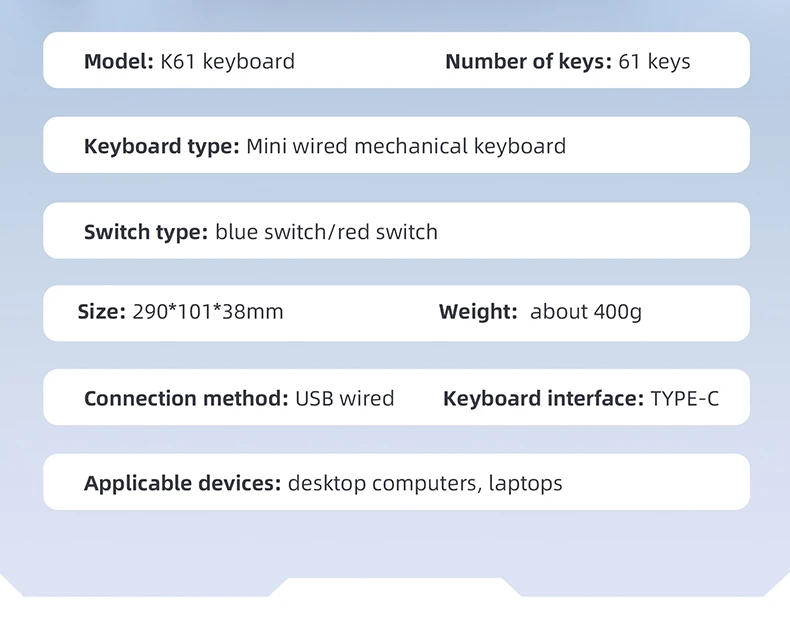
Type: K61 Mini wired mechanical keyboard
Number of keys: 61 (keys)
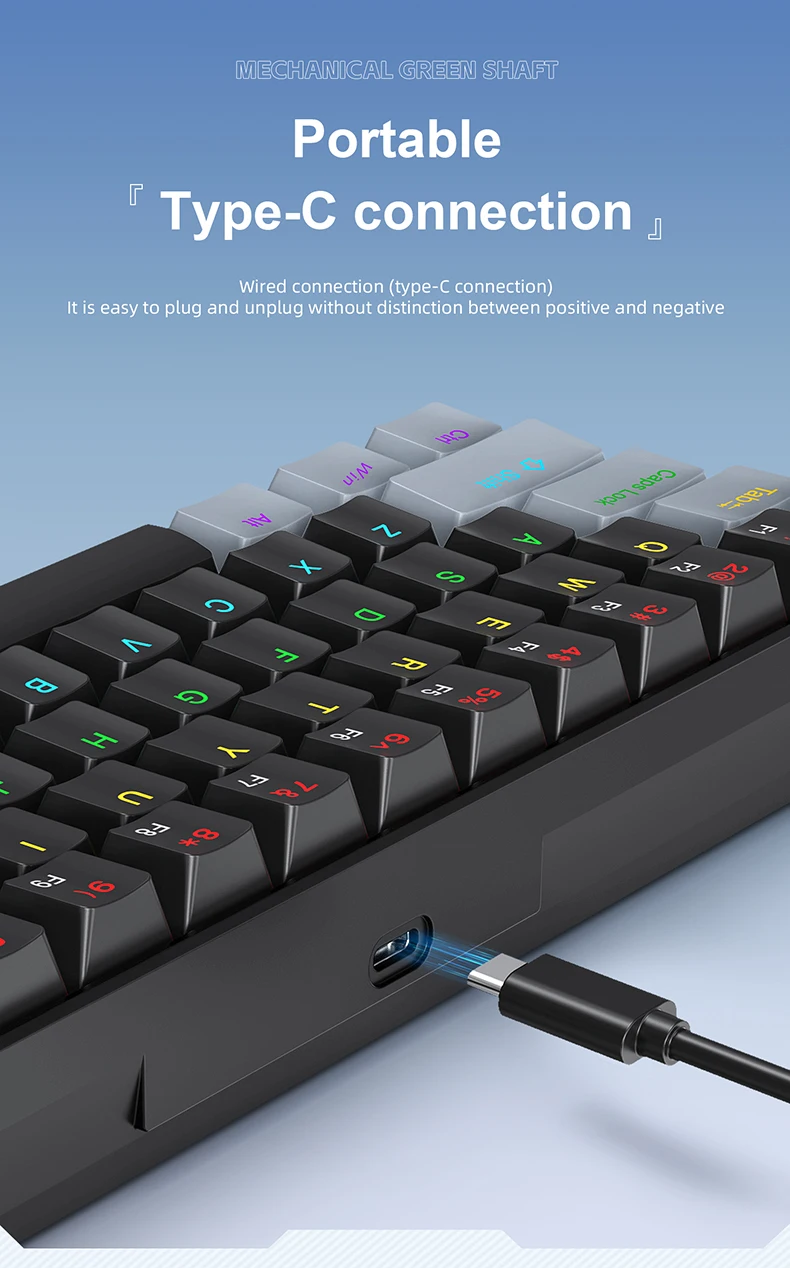
Connection method: USB Wired
Keyboard interface: type – C
Switch type: blue switch/red switch
Lighting effects: multiple RGB modes
Structure: Support hot – swappable replacement
Applicable devices: desktop computers, laptops
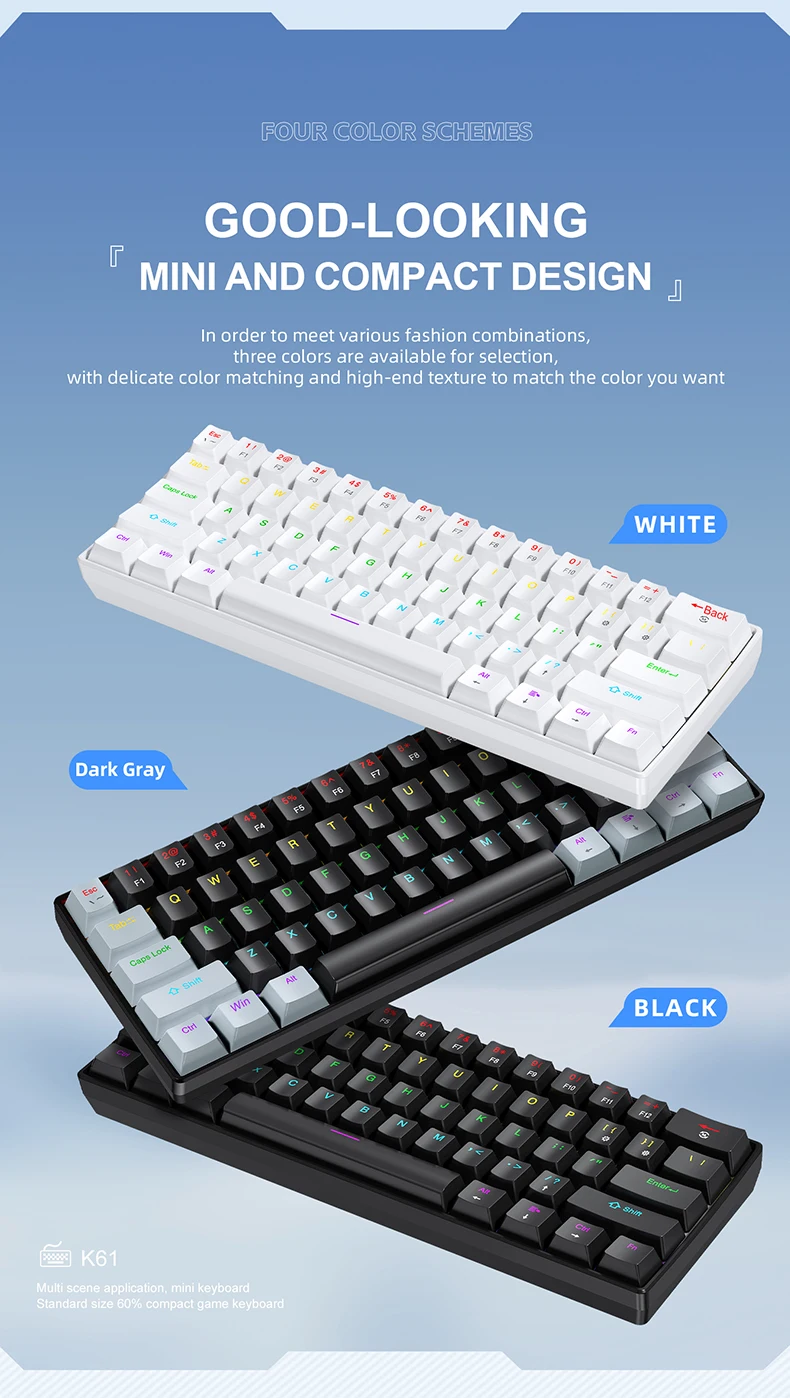
Colour: Black, Black Gray, White
Product size: 290*101*38mm
Product weight: About 400g


Additional information
| Color | K61-Black, K61-Black-Gray, K61-Whtie |
|---|---|
| High-concerned chemical | None |
| Switches Hot swap | Yes |
| Backlight Type | Multicolor |
| Package | Yes |
| Style | Standard |
| Interface Type | USB |
| Battery Included | No |
| Operation Style | Mechanical |
| Language | UK |
| Keyboard Standard | 61 Keys |
| Application | Desktop,Laptop,Tablet |
| Type | Wired |
| Brand Name | APAYADO |
| Origin | Mainland China |
| Axis Body | Blue Switch, Red Switch |
8 reviews for APAYADO K61 Mini Mechanical Keyboard,Wired,61 Keys,Phantom RGB, Black/White Red/Blue Mechanical Switch for Gaming,60% Portable
Vendor Information





AliExpress Shopper (verified owner) –
Satisfactory sim, soft keys and a great cost-benefit ratio for those looking for an affordable mechanical keyboard. It has hot-swap capability, which allows you to change switches, double-shot keys, and row LEDs that give it a distinctive edge. In addition to various LED modes, you can increase or decrease the speed of LED effects and adjust the brightness of the LED. You can even turn off the LED for those who don’t like it. SUMMARY: VERY GOOD COST-BENEFIT FOR THOSE WHO WANT A GOOD MECHANICAL KEYBOARD THAT IS CHEAP. FOR THE PRICE I PAID IN THE PROMOTION, WHICH WAS 62 REAIS, IT WAS THE BEST COST-BENEFIT OF MY LIFE. If I could buy it again, I would buy it with my eyes closed.
AliExpress Shopper (verified owner) –
This is the version with a red switch, it has a very smooth sound and fast action. It has several RGB modes and you can adjust the light intensity. Definitely one of the best value options from this store.
AliExpress Shopper (verified owner) –
The keyboard exceeded my expectations, definitely my best purchase. The keyboard has a very good tactile response and an excellent finish, top top.
J***s (verified owner) –
Too expensive and considering the amount paid, I consider it an EXCELLENT acquisition. 60% compact model without the side number keys and without the scroll keys, del, etc. These are accessed using combinations with “FN” + some other – according to the manual – the Rgb effect is cool, even having few change options, which is completely plausible. The best part is about the keyboard construction – which works via USB – and the fact that it is mechanical, with an excellent tactile feel in games! (If your hand is too big, it may feel a little tight haha)
a***r (verified owner) –
The keyboard is quite nice, the RGB lighting moves diagonally (I haven’t yet figured out if it’s possible to disable or change the RGB), and it’s very comfortable to press with a satisfying sound, and quite responsive; the keys activate almost instantly. I tested it in various games, and it offers a good cost-performance ratio.
J***o (verified owner) –
The keyboard is excellent and one of the best value-for-money options out there. The construction and finish are very good. The only downside is that if you are used to a 100% non-mechanical keyboard, you will have a bit of a hard time getting used to it; there are certain essential keys that you need to combine to use them.
AliExpress Shopper (verified owner) –
It looked excellent in my setup, smooth clicks and a heavy keyboard, sturdy material, and its RGB configuration is very good, both for changing the brightness intensity and the lighting layout. Simple but large cable, being a Type-C, matches well with white peripherals and saves a lot of space in the setup, especially since in my case I use a laptop.
g***r (verified owner) –
For whom is BR!!! You’re going to have difficulty with the accents! The agudo and Tio are integrated into the ESC, and you won’t be able to use it without configuring them. How to set it up? Go to settings, language, and select the language “English-US”. After that, click on it, then on “options” and then on “add keyboard” and look for “United States – International”. Only after that will you be able to use the accents by pressing the ones next to the Enter key and the vowel you want. Don’t worry, it only changes the language of the keyboard, not your PC! But for that, English should be the second option. If you don’t understand, go to chatgpt and it will help you perfectly. It’s nice, has 11 light modes, I just didn’t like the sound of the space key, but in the end I’m satisfied.