
Loading...
Description
- High-concerned chemical: None
- Support APP: Yes
- Package: Yes
- Model Number: J09
- Wireless Communication: Bluetooth
- Use: Universal
- Brand Name: TPKI
- Origin: Mainland China
- Certification: CE,FCC,RoHS
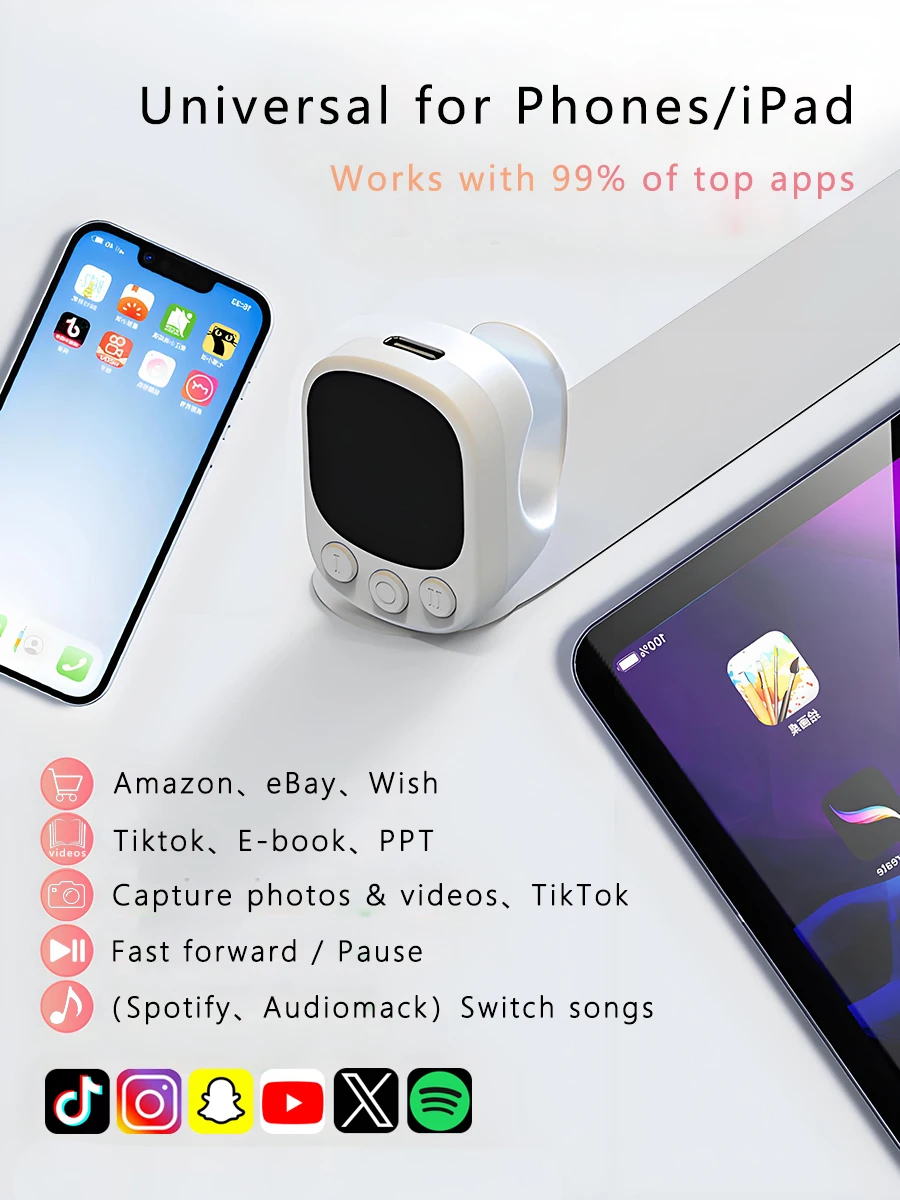
- adaptation system: IOS&Android



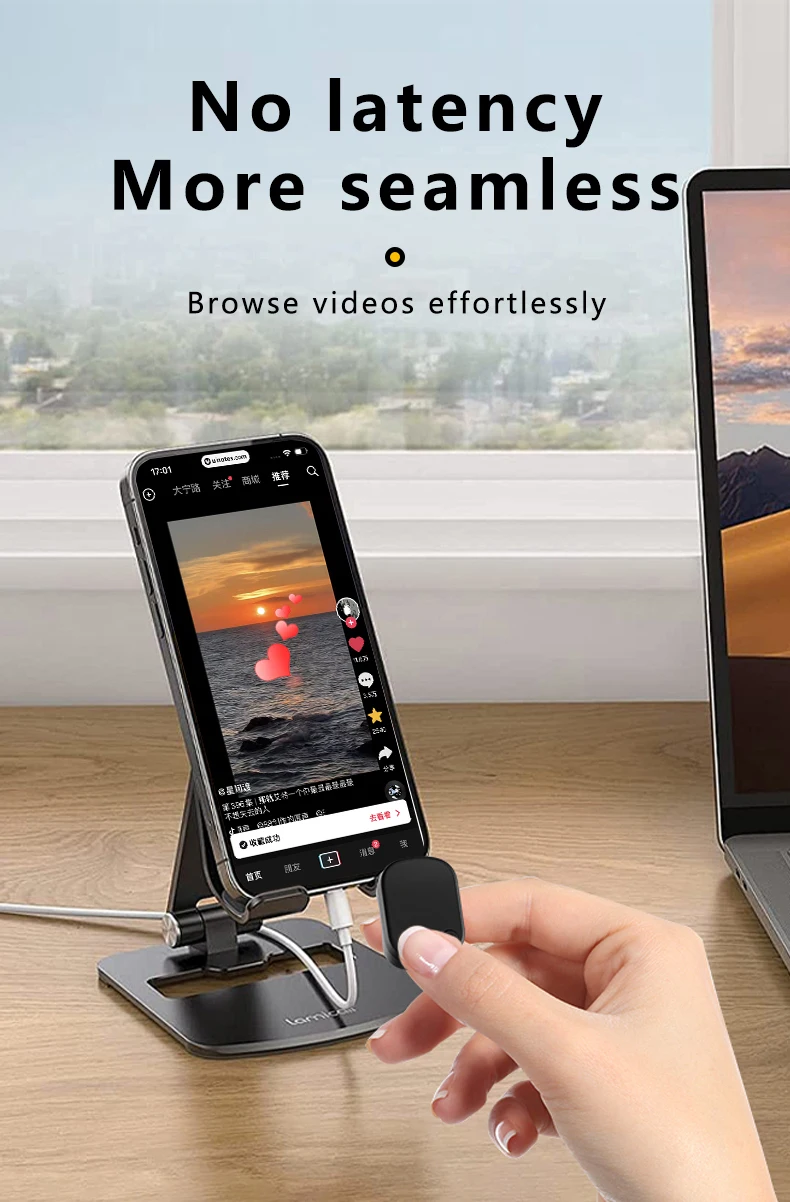

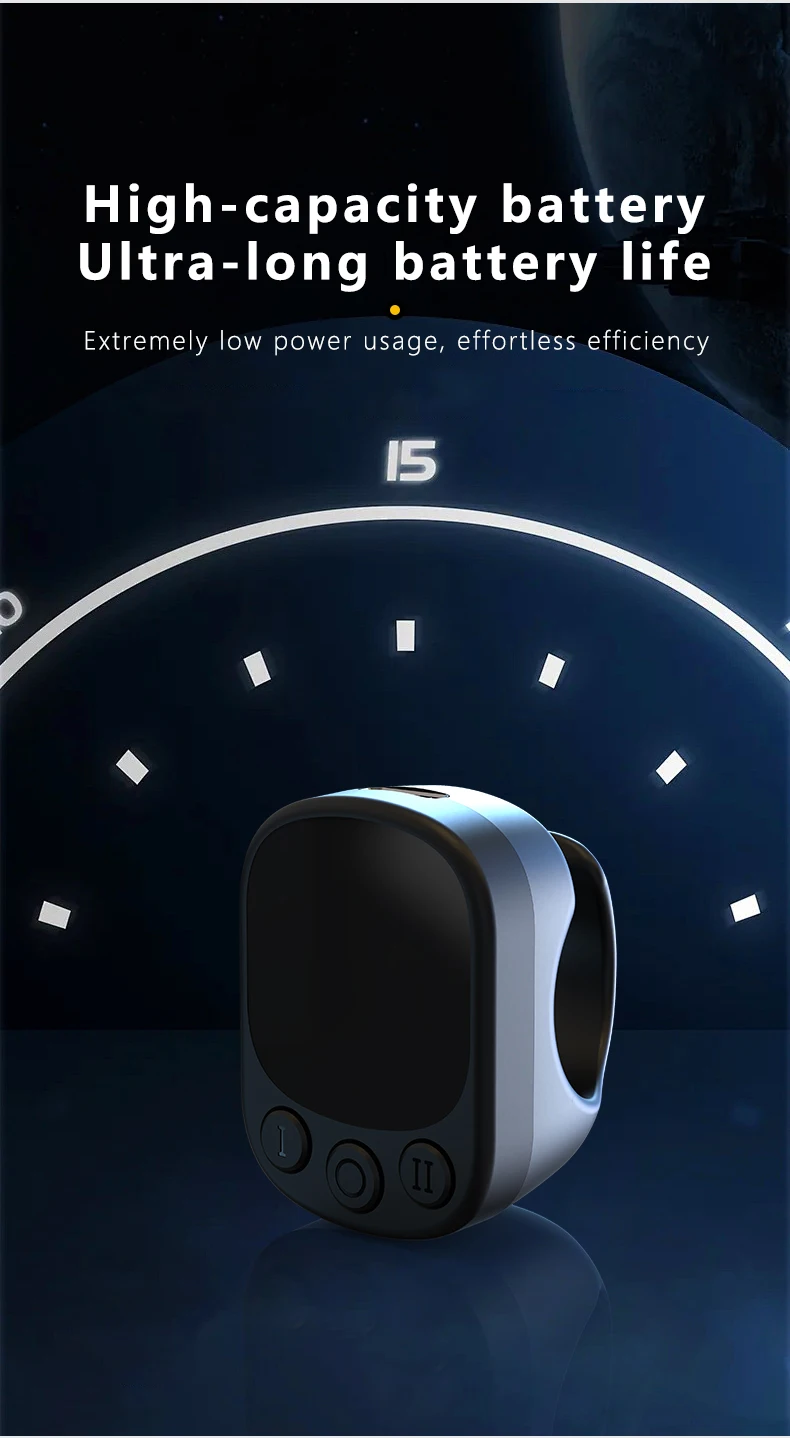


Additional information
| Color | black |
|---|---|
| High-concerned chemical | None |
| Support APP | Yes |
| Package | Yes |
| Model Number | J09 |
| Wireless Communication | Bluetooth |
| Use | Universal |
| Brand Name | TPKI |
| Origin | Mainland China |
| Certification | CE,FCC,RoHS |
| adaptation system | IOS&Android |
8 reviews for Mouse Ring Remote Control with Touchpad,Smart Automatic Screen Clicker Device,Continuous Clicker,Scrolling Ring Remote Control S
Vendor Information


W***i (verified owner) –
I really like this thing. After you understand how it changes from mouse arrow to gestures its very good. Unbelievable for this price
AliExpress Shopper (verified owner) –
Great purchase. I bought two for 7,000 won using coins and am very satisfied. It has many functions such as volume control, slow scrolling, mouse functions, YouTube, and Reels playback speed, and it’s quite impressive. The battery also lasts quite a long time.
a***n (verified owner) –
I wasn’t expecting much, but when I connected it to my Android phone and used it, I found it surprisingly convenient!
The operation may require a bit of skill, but you can easily watch videos or read manga without touching your smartphone while lying in bed.
I should buy another one and give it to my wife as a gift.
I***n (verified owner) –
Through trial and error, I figured out how to scroll and adjust the volume. In the center, there’s cursor control, and on the sides there are additional functions. I like it. Of course, it won’t have the precision of a mouse. But you can scroll through news or use it with a medical device. It’s a convenient gadget. You need to get used to it. And it’s not precise due to its size; if you have a thin finger or a child is going to use it, the precision will be much higher.
AliExpress Shopper (verified owner) –
動作確認を、android・windows11でしまして問題なく動作しました。 この様な製品を使用するのが初めてだとボタン操作等に慣れるまでは使いづらいかも?(私もボタンの役割を覚えるのに苦戦しそう)タッチパネル部分は、素早い動きで上下左右でページ捲り・タッチで決定 スマホでの操作と変わらずで、すぐに慣れそうではあります。
s***r (verified owner) –
It’s compatible with the iPhone well and the touch response is good. It’s an optimal item for reading comics, but you need to adjust the drag feeling yourself when reading web comics, which can be a bit inconvenient.
AliExpress Shopper (verified owner) –
Honestly, I have to admit this product is great… it’s so comfortable I need to buy another one.
Touchpad Quick: Page Turning
Touchpad slow: Mouse cursor mode
Click the left button: Go back
Double-click the left button
– Previous track when playing music
-No operation at normal times
Long press the left button: Press and hold the screen
Click the right button: Turn off the phone screen
Double-click the right button:
– Next track when playing music
-No operation at normal times
Long press the right button: Skip to the next TikTok screen
Click the center button: decrease volume
Double-click the center button: automatic click
Long press the center button: Turn the Ring Remote off/on
a***r (verified owner) –
You need to make separate settings on the iPhone.
I thought the scrolling speed was a bit fast.
It’s nice that it minimizes the sense of movement.
Lie down and secure your phone on the stand.
It’s great for reading novels or web comics.