
Description
- High-concerned chemical: None
- RAID Supported: No
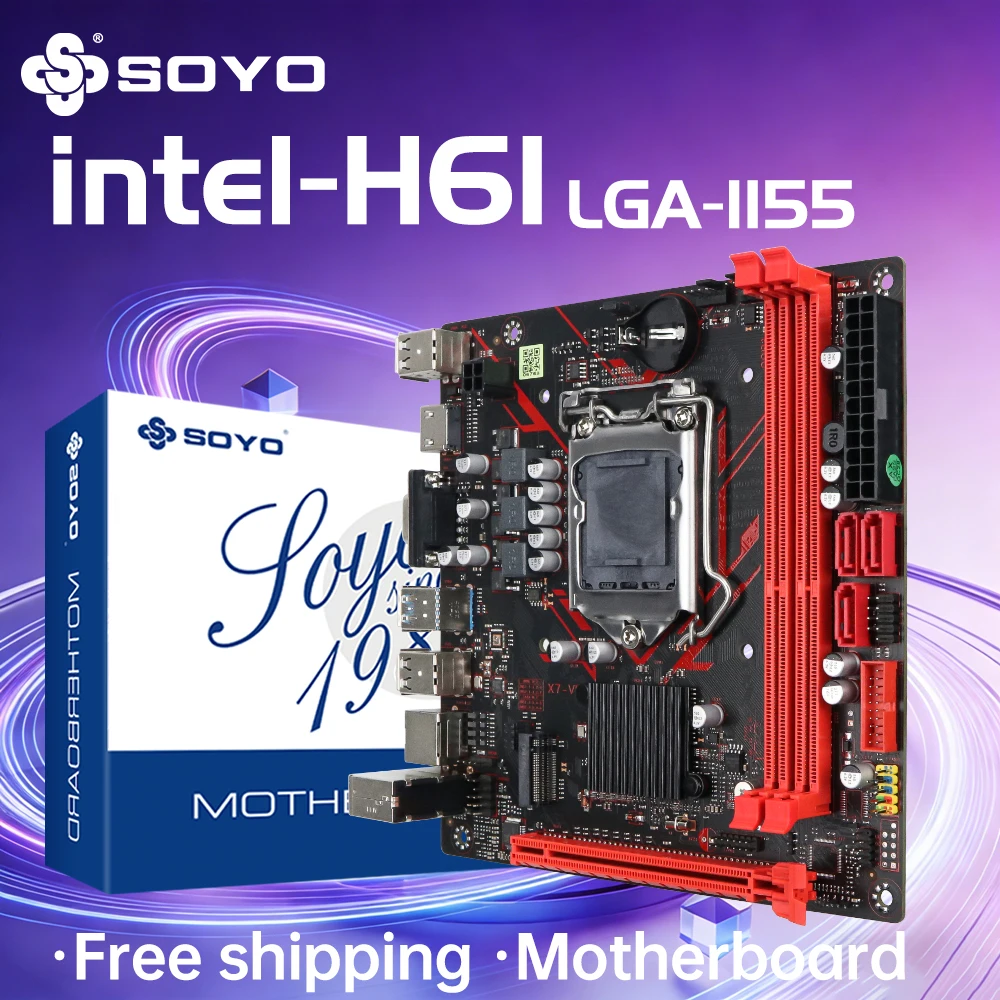
- Processor compatibility: Intel Pentium,Intel Celeron
- Ports: SATA
- Usage Scenario: Gaming,Audio & Video,Office,Video Production
- Onboard Connectors & Header: 24-pin Main Power Connector
- Back I/O Ports: 1x RJ45,6 x USB 2.0,HDMI 1.1
- Max LAN Speed: 1000Mbps
- Onboard LAN: 1x RJ45
- Audio Channels: 2.1
- SATA RAID: 0
- Supports M.2 SSD: 2280
- Number of M.2: 1
- Number of SATA Ports: 2
- Storage Interface Type: SATA 3,M.2 (NVMe)
- Number of PCI: 0
- Number of PCIe x 1: 1
- Number of PCIe x 4: 0
- Number of PCIe x 8: 0
- Number of PCIe x 16: 1
- PCI – E standards: PCI-E 3.0
- Number Of Memory Slots: 2
- Support Memory Type: DDR3
- Memory channel: Double
- Package: Yes
- Maximum Ram Capacity: 64 GB
- Chipset Manufacturer: Intel
- Battery Included: No
- With CPU: No
- Chipset: H61
- Application: Desktop
- Socket Type: LGA 1155
- Brand Name: SOYO
- Special Features: None
- Origin: Mainland China
Description
Report Item / Suspicious Activity
Feature:
100% brand new and high quality!
High compatibility for a higher experience.
All solid capacitors, fine workmanship, professional stability.
Specification:
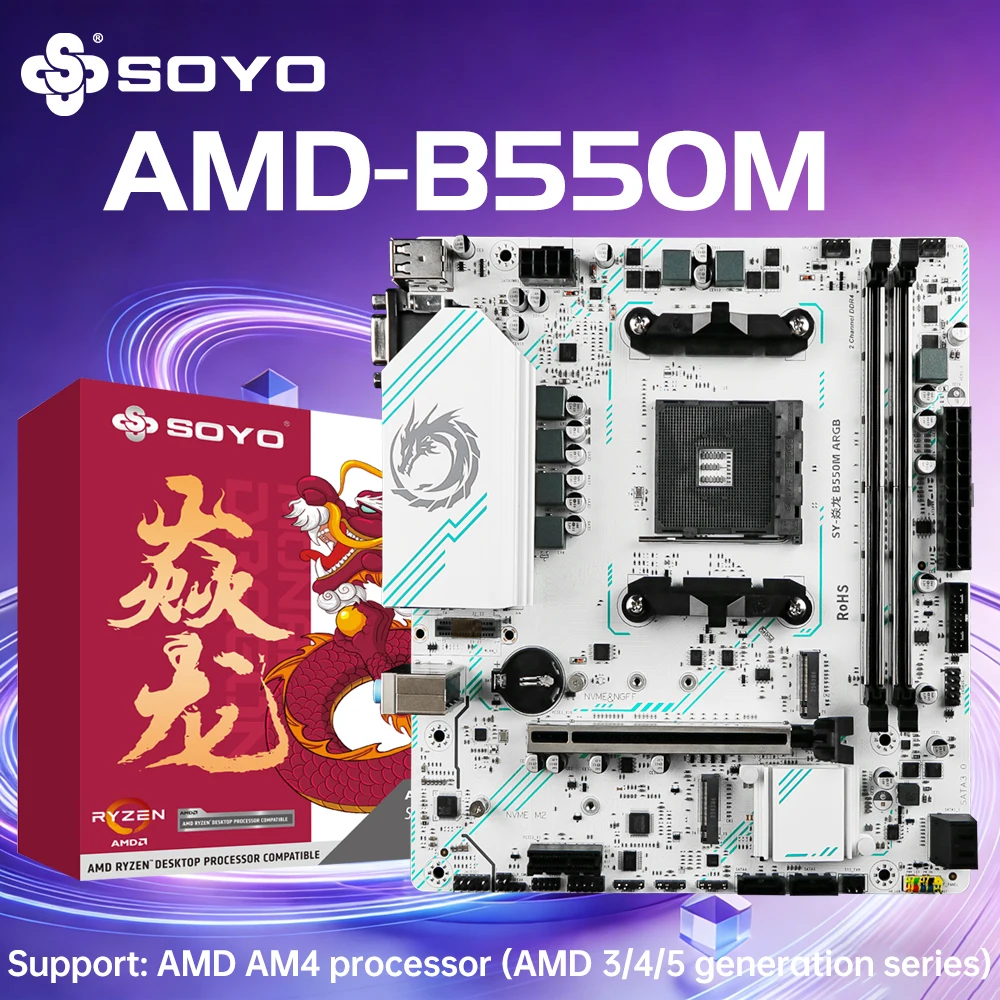
Chipset: H61
Model: SOYO
Condition: Full new
CPU socket: LGA 1155
Structure:Micro-ATX
CPU supported: for Intel series with LGA 1155 socket(For Intel Core i3/i5/i7 Pentium)
Memory socket: 2*DDR3
Max memory supported: 2*16G DDR3
Memory type supported: 1333/1600mhz Desktop Memory
Integrated video card: YES(Requires CPU to support integrated display)
Motherboard dimension: 170*170mm
Motherboard weight(including package): 0.7kg or so
Package Included:
1* H61 Motherboard
1* Back Plate
1* SATA Cable
Notice:
1. Choose the right motherboard and CPU: You must ensure that the motherboard and CPU are compatible and support the same slot type.
2. Wear gloves and electrostatic protection: As CPU is a very sensitive device, gloves should be worn and grounded before installation to avoid electrostatic damage.
3. Making radiator: Before installing CPU, you need to make sure the radiator can be made smoothly.
4. The installed radiator should be placed in the correct position and installed.
5. Prepare heat dissipation glue: You need to use heat dissipation glue to install the radiator to ensure good heat dissipation effect.
6. Ensure peace of mind: When installing CPU, don't worry or worry. Keeping a calm mind is very important for the success of the operation.
7. Skilled in operation and follow the instruction manual: Before installation, read the instruction manual carefully and disassemble the motherboard to get familiar with the position and characteristics of each component. And correctly follow the steps shown in the instructions.
8. Then confirm whether the installed CPU is stable: use the test program and the test function provided on the motherboard to confirm whether the computer is turned on successfully and stably.
4 reviews for SOYO H61 Motherboard LGA 1155 Compatible With Intel Core CPUs 2nd And 3rd Generations Supports M.2 NVME SDD Computer components
Vendor Information




H***m (verified owner) –
Works very well. Thank you.
T***a (verified owner) –
The board manual is missing, as well as details on compatible cables and their capacity.
A***a (verified owner) –
Product does not support pwm cpu fane regulation and cpu temperature control. Apart of this the motherboard is great and well built
AliExpress Shopper (verified owner) –
It arrived quickly and in excellent condition.