
Description
- High-concerned chemical: None
- Support APP: No
- Frequency: 433 MHz
- Channel: 1
- Wireless Communication: RF
- Use: Universal,Lighting,Electric Door,Automated curtains,Switch
- Origin: Mainland China
Welcome to our Remote Control Switch Store!
We specialize in high-performance wireless remote control switches for home, office and industrial scenarios—including smart light switches, plug-in remote controls and multi-channel control kits. All products feature easy installation, stable signal transmission and long service life, with strict quality checks before shipment.
Enjoy fast delivery to worldwide destinations, competitive prices and 24/7 dedicated customer support. Whether you need a simple on-off remote or a multi-device control solution, we’ve got you covered!
Follow us for exclusive discounts and the latest product launches!
Specifications Of The Receiver:
RF Working Mode: Superheterodyne Reception
Modulation Mode: ASK
Working Mode: Momentary, Toggle, Latching and Time Delay Mode.
Wide range voltage: DC 9~ 30V
RF Frequency: 433MHz
Quiescent Current: 5mA
Receiving Sensitivity: >97dbm
Theoretical remote control distance:>80-100m(The actual distance has losses depending on the application method)
Wired Connection Way: Fixed Wiring Pillar.
Decoding Mode:MCU Software Decoding.
Working Mode:Momentary, Toggle, Interlocked Mode Latching Time delay (5s ,10s ,15s )


Controller and Remote Control Pairing Instructions
1. Momentary Mode (M)
Function: The connected device operates only while the remote button is pressed. It stops upon release.
Pairing Method: Press the controller's LEARN button once. The LED will flash once. After the LED turns steady on, press and hold the desired button on the remote. The controller's LED will flash three times to confirm successful pairing.
2. Toggle Mode (T)
Function: The same remote button toggles the device ON and OFF alternately with each press (e.g., 1st press: ON, 2nd press: OFF, 3rd press: ON).
Pairing Method: Press the controller's LEARN button twice consecutively. The LED will flash twice. After the LED turns steady on, press the desired button on the remote. The controller's LED will flash three times to confirm successful pairing.
3. Interlock Mode (L)
Function: One remote button (e.g., A) turns the device ON, while another (e.g., B) turns it OFF. If a remote with multiple buttons is used, the learned button becomes the ON switch, and all other buttons function as OFF switches.
Pairing Method: Press the controller's LEARN button three times consecutively. The LED will flash three times. After the LED turns steady on, press the desired button (to be set as ON) on the remote. The controller's LED will flash three times to confirm successful pairing.
4. Delay Timer Modes (5s, 10s, 15s, 20s)
Function: The device automatically turns off after a preset delay (5, 10, 15, or 20 seconds) once activated via the remote.
Pairing Method (for all delays):
5-Second Delay: Press the LEARN button four times.
10-Second Delay: Press the LEARN button five times.
15-Second Delay: Press the LEARN button six times.
20-Second Delay: Press the LEARN button seven times.
The LED will flash the corresponding number of times. After it turns steady on, press the desired button on the remote. The controller's LED will flash three times to confirm successful pairing.
Important Note: To switch to a different operating mode, you must clear all previously paired remote data before starting a new pairing procedure.


Application Areas
01. Motor & Machinery Applications
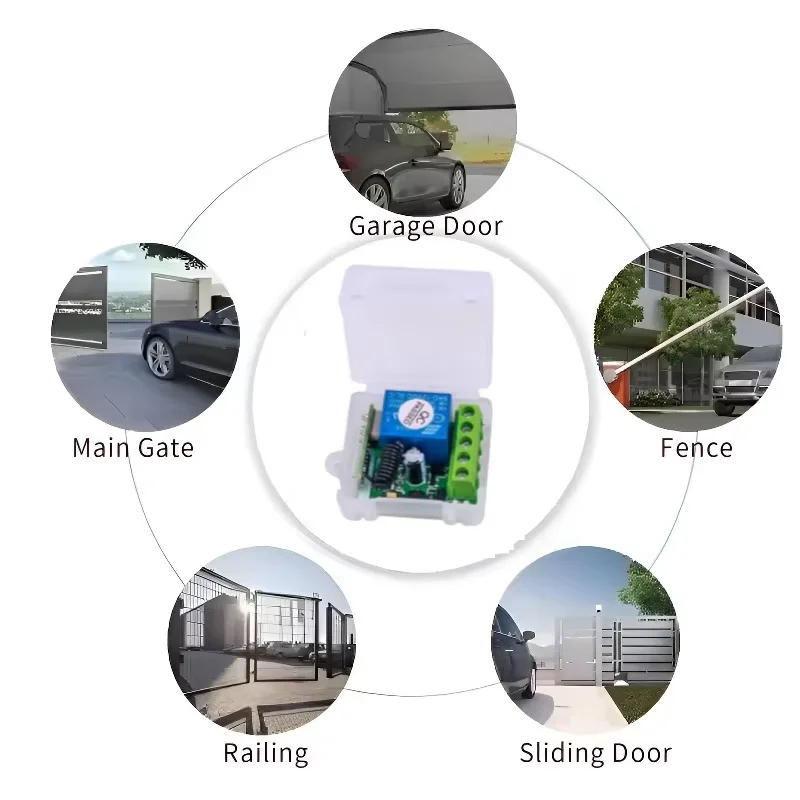
Electric doors, water pumps, ventilation & cooling systems, etc.
02. Automotive Modification
Lighting, audio systems, exhaust sound modulation, etc.
03. Home & Living Applications
Lighting fixtures, LED decorative lights, routers
04. Access Control & Security
Residential access control, electric locks, security surveillance

Package Includes:
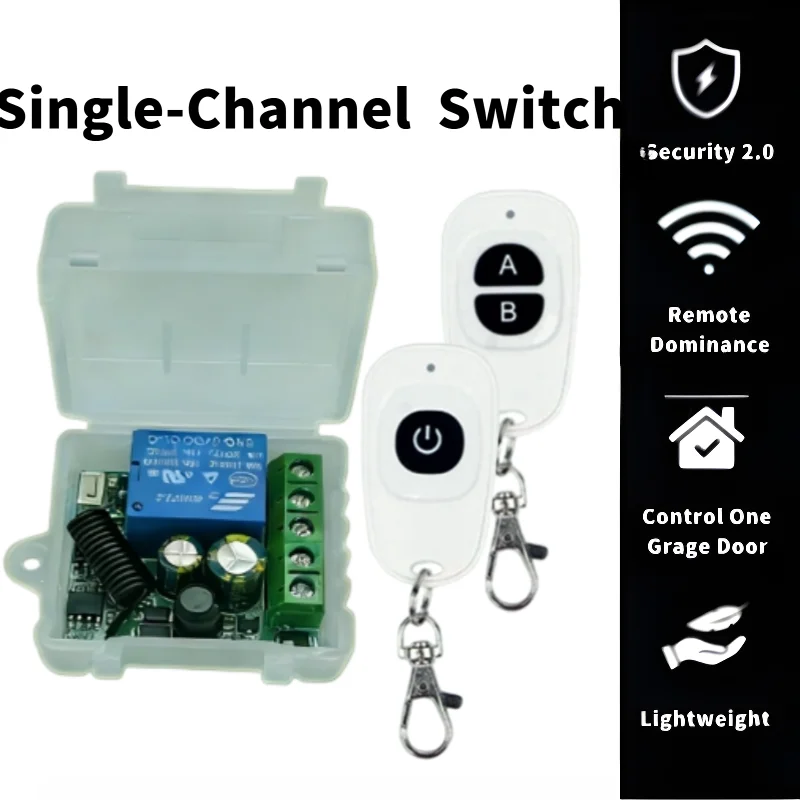
Remote Control
Relay

Additional information
| Color | AB 2Set, AB Set, Single key, Single Key 2Set, Single Key Set, Single switch, Two keys |
|---|---|
| High-concerned chemical | None |
| Support APP | No |
| Frequency | 433 MHz |
| Channel | 1 |
| Wireless Communication | RF |
| Use | Universal,Lighting,Electric Door,Automated curtains,Switch |
| Origin | Mainland China |
1 review for AC 220V 433MHz RF 1-Channel Wireless Relay Receiver Garage Door Transmitter Remote Control Switch
Vendor Information




AliExpress Shopper (verified owner) –
The module in operation mode after number 4 works properly and can also operate in various modes with multiple remote controls at the same time. I use a 2-button remote control, setting the A button to a 20-second delay mode and the B button to an immediate off mode.