
Description
- Voltage: Other
- Model Number: WLS219-Zigbee
- Brand Name: Melery
- Origin: Mainland China
- Certification: CE,RoHS,FCC,KC
Specifications:
Power supply: AC 100-250V
Maximum current: 10A / road
Maximum power: 2200W/ road
Wireless standard: 802.11 b/g/n
Security mechanism: WPA-PSK/WPA2-PSK
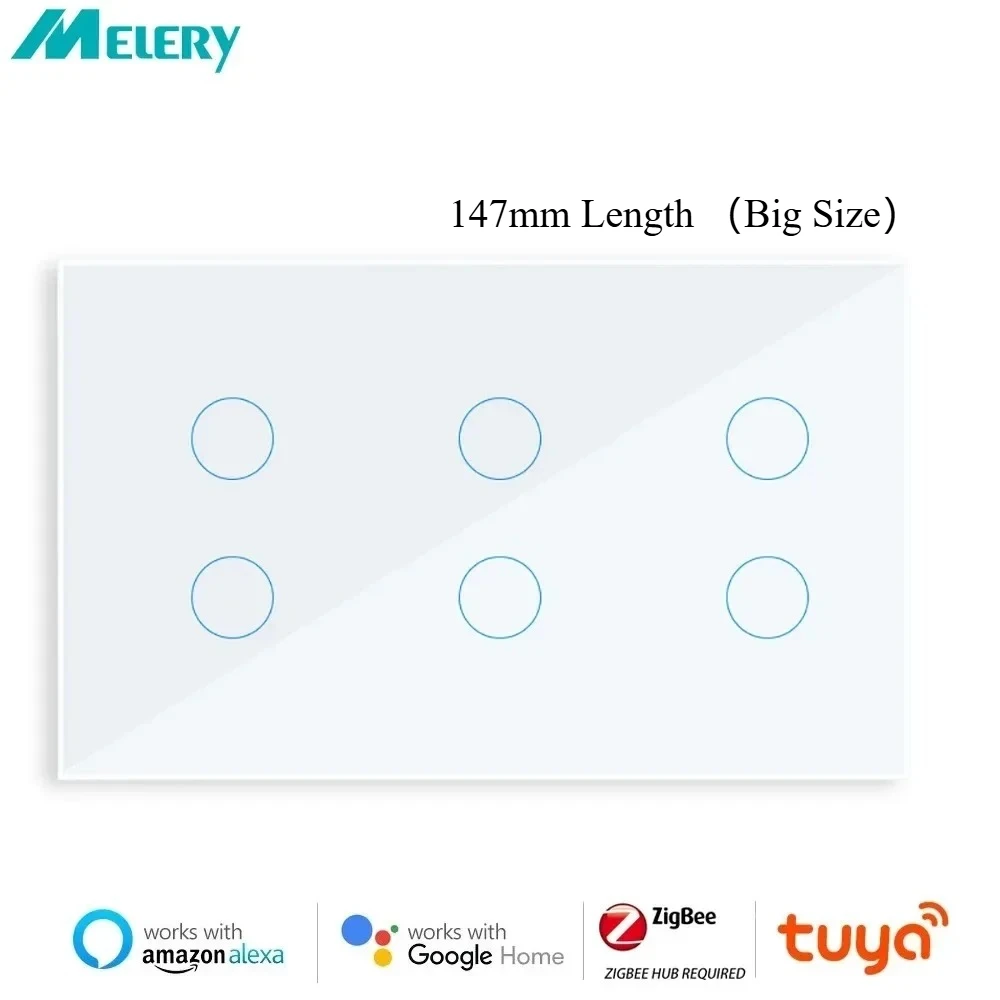
Product material: PC V0 fireproof + tempered glass panel
WIFI remote control: turn the light on/off from anywhere
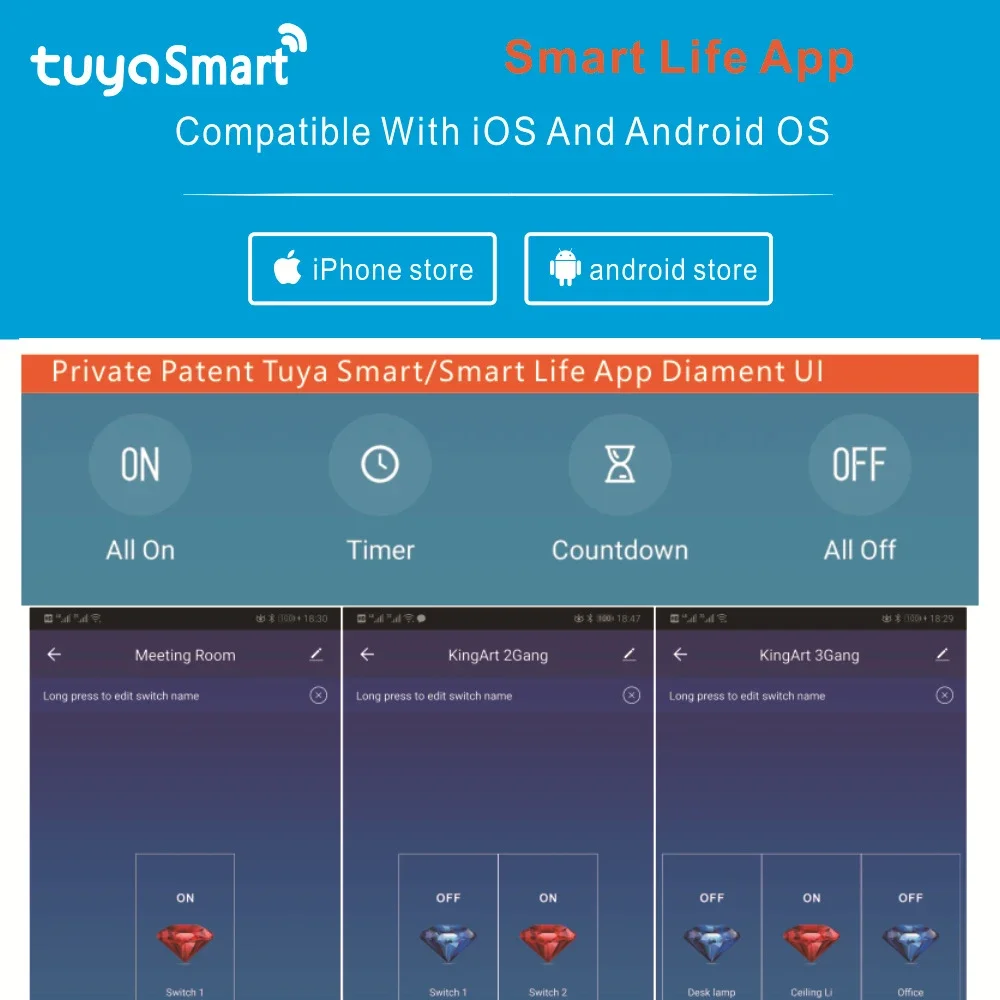
App Support: Free iOS and Android Phone Apps (Smart Life)
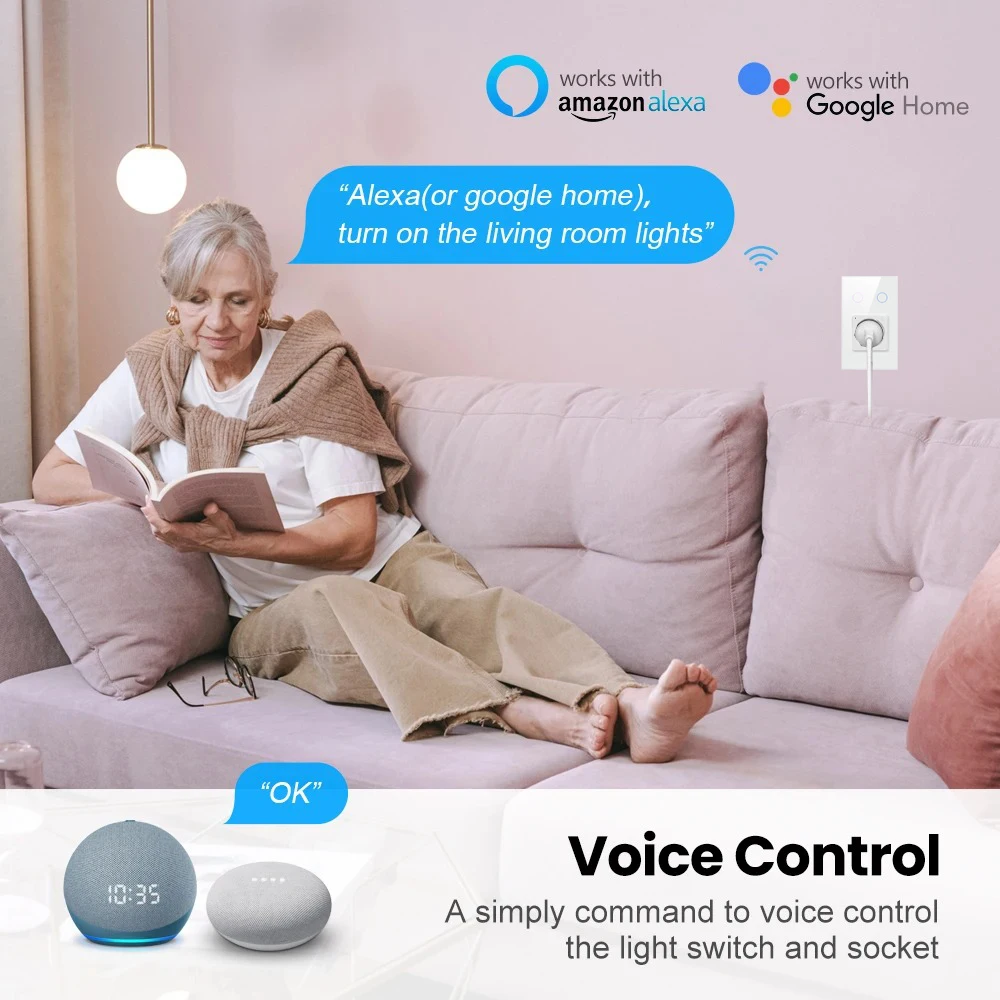
Voice Control: with Amazon Alexa, Google Home Voice Control
Independent control: control each way separately
Synchronization status: real-time device status provided on the APP
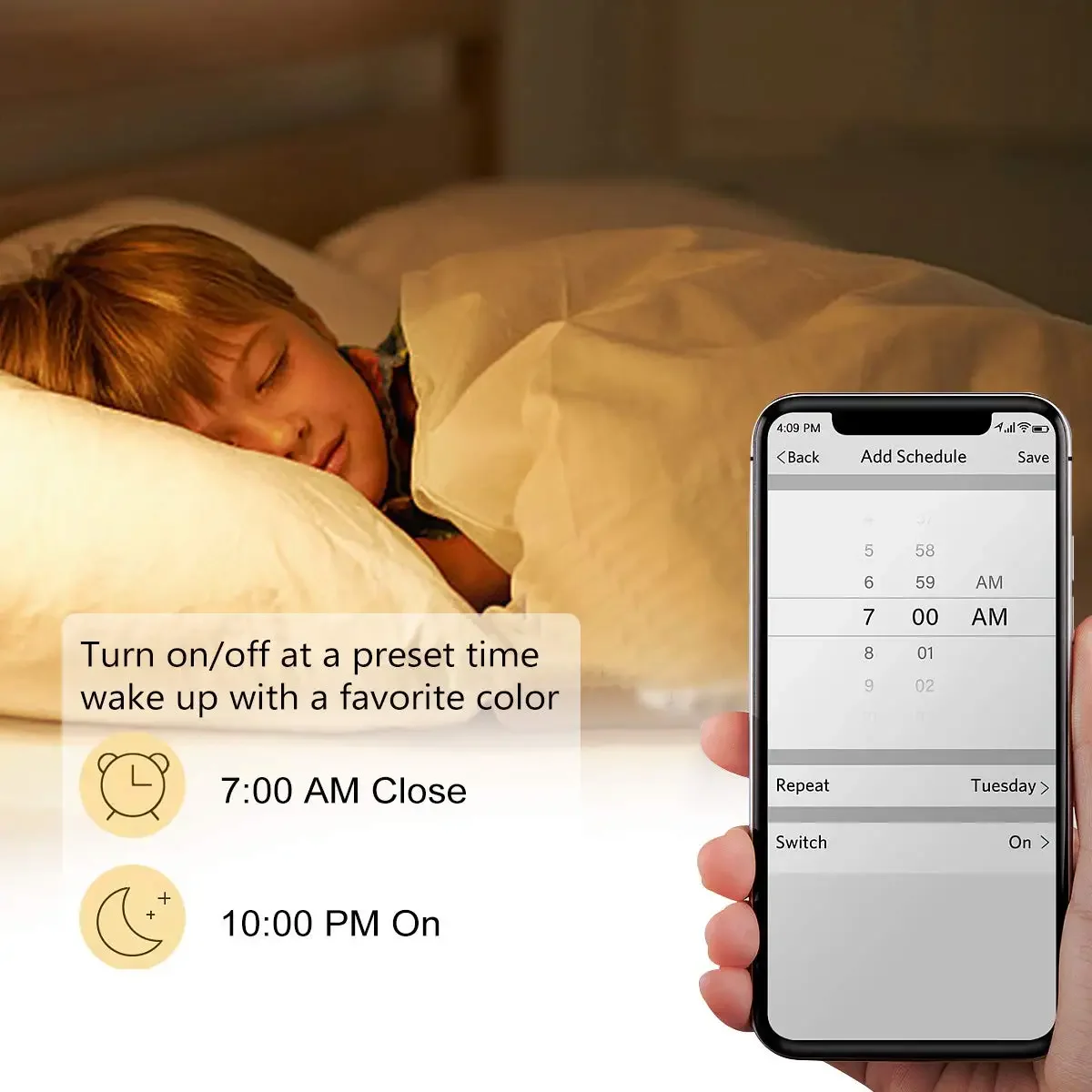
Timing function: Set the reservation/countdown timer to turn on/off at the specified time
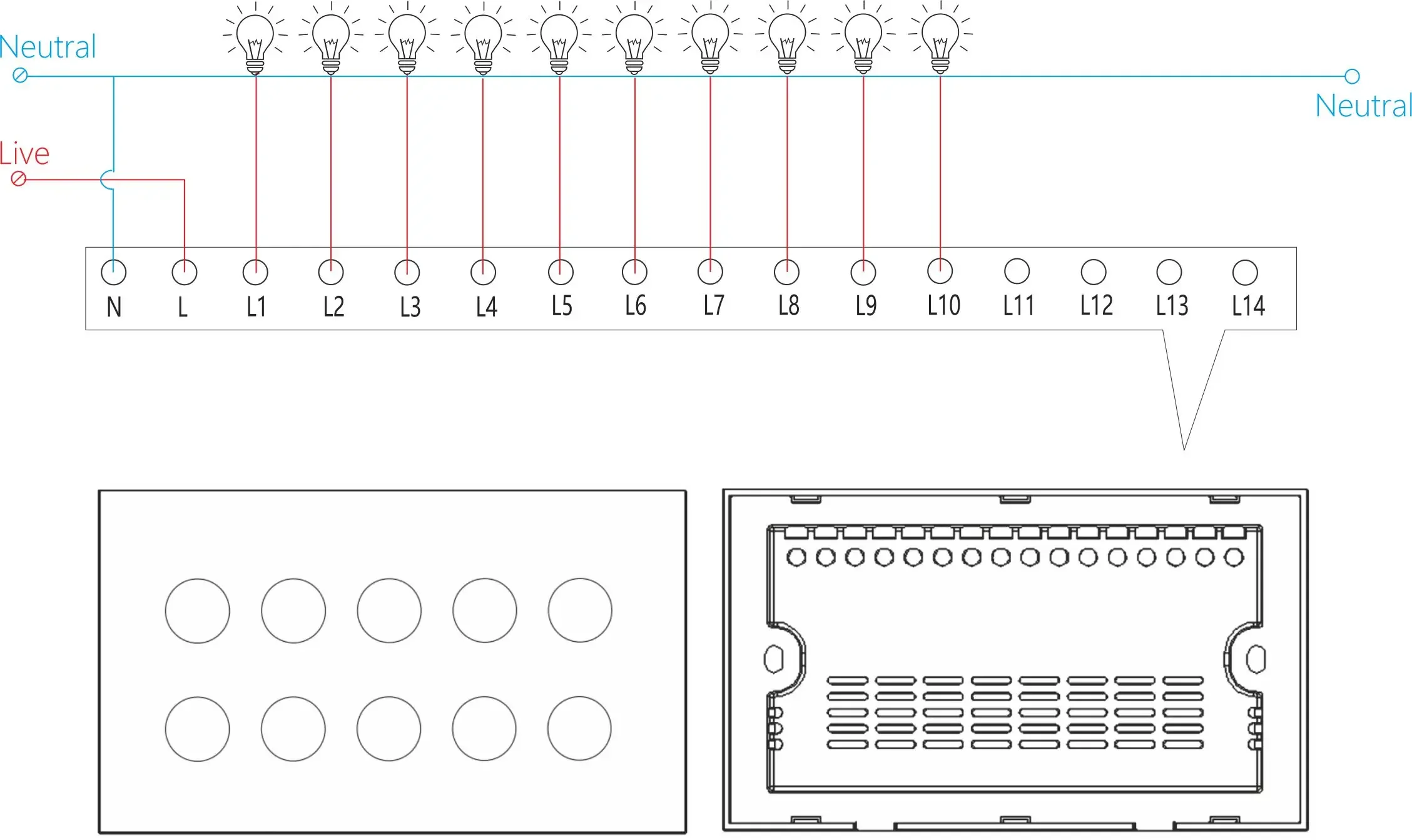
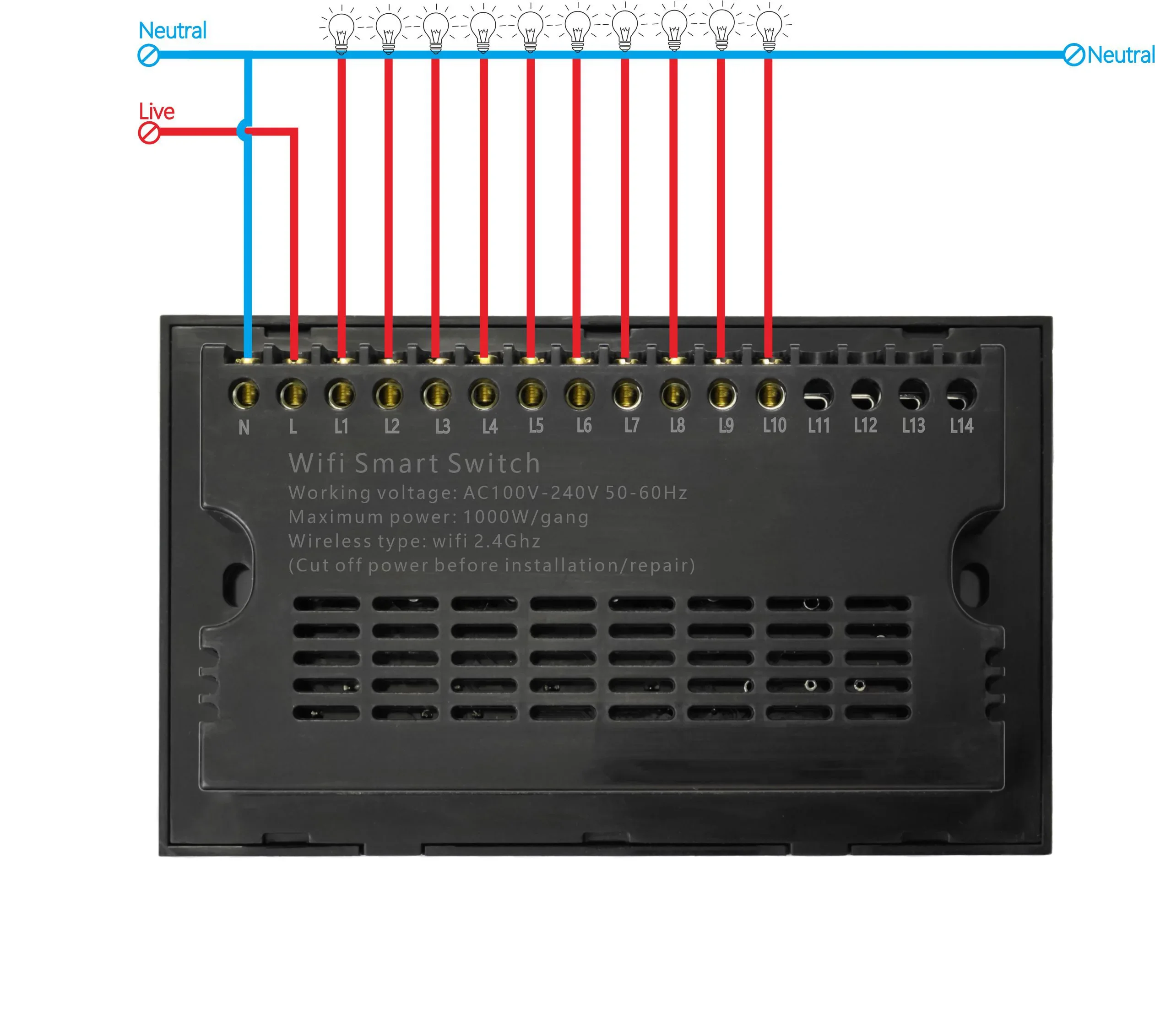
Neutral Line Required. please check if you have Neutral Line before you buy this item.
Here are the steps to pair the Tuya Zigbee smart plug with a gateway and connect it to Alexa and Google Home, for use in your AliExpress product details:
-
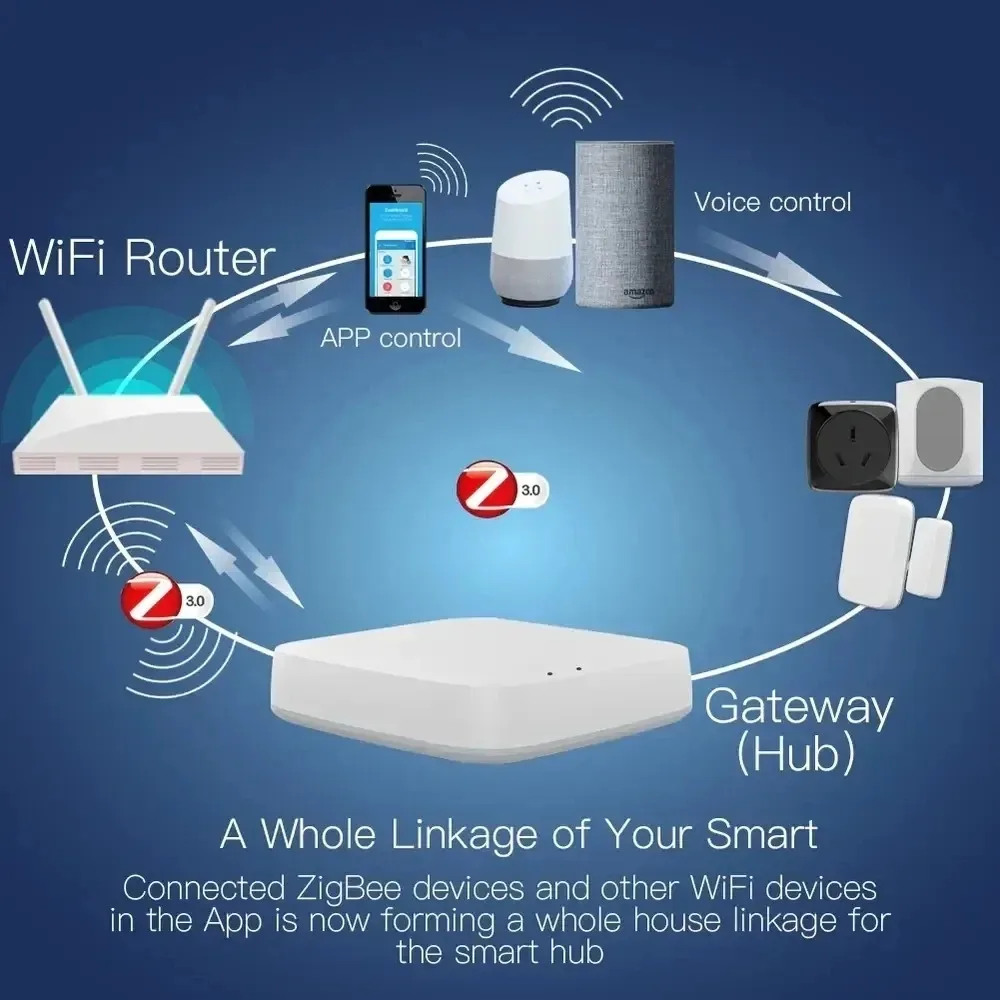
Power on the gateway with a Micro charging cable. Wait until the indicator light enters the setup mode: a slow – flashing red light means it’s ready for pairing. If there’s no response from the indicator, press and hold the reset button for 5 seconds until the red light starts flashing.
-
Connect your smartphone to the 2.4GHz home WiFi, download and log in to the “Smart Life” APP (registration requires a mobile phone number verification code). Enable Bluetooth and location services on your phone to improve the connection success rate.
-
Bluetooth Auto – connection (Recommended):
-
AP Hotspot Connection (When Bluetooth connection fails):
-
Button Trigger: Press and hold the switch’s pairing button for 5 seconds, or quickly press it twice. When the LED indicator light flashes blue rapidly, the switch enters the pairing mode.
-
Power – on Trigger: Power on and off the switch 5 consecutive times (one on – off cycle counts as one time). When the output LED light flashes 10 times, it indicates successful entry into the pairing mode.
-
Open the APP, enter the interface of the paired gateway device, click “Sub – devices” → “Quick Add”.
-
The APP will automatically scan for the Zigbee switches waiting for pairing. Select the device to complete the pairing (when the indicator light stops flashing and “ZB – SWITCH” appears in the APP device list). You can long – press the device name to rename it (e.g., “Living Room Ceiling Light Switch”) for easier control.
-
Ensure that the gateway and switch are properly connected to the network, and the “Smart Life” APP can control the switch status.
-
For Alexa, prepare an Echo series device (e.g., Echo Dot 5th generation), and for Google Home, prepare a Nest series device (e.g., Nest Hub). Log in to the corresponding APPs (Alexa/Google Home).
-
Open the Alexa APP, click “More” → “Skills & Games”, search for “Tuya Smart” or “Smart Life” skills and enable them.
-
Enter the login account and password of the “Smart Life” APP to complete the account binding. Alexa will automatically synchronize the device list. Voice command example: “Alexa, turn on the living room light”.
-
Open the Google Home APP, click “+” → “Set up device” → “Works with Google”, select “Tuya Smart”.
-
Log in to the “Smart Life” account for authorization. After synchronizing the switch devices, you can control them by voice. Example: “Hey Google, turn off the bedroom switch”.
Smart Wi-Fi Touch Wall Switch
This touch switch supports the maximum power of 2200W, which can work with most lights and other electrical devices, connect to your smartphone and control your home appliances with ease.
Intelligent and strong function
The user can control this Wi-Fi plug-in via the voice via the Alexa / Google device to turn off the switch whose support timer function (works in offline state) that includes countdown; single and repeat timers can be Set Max. 8 groups of timers
APP remote control
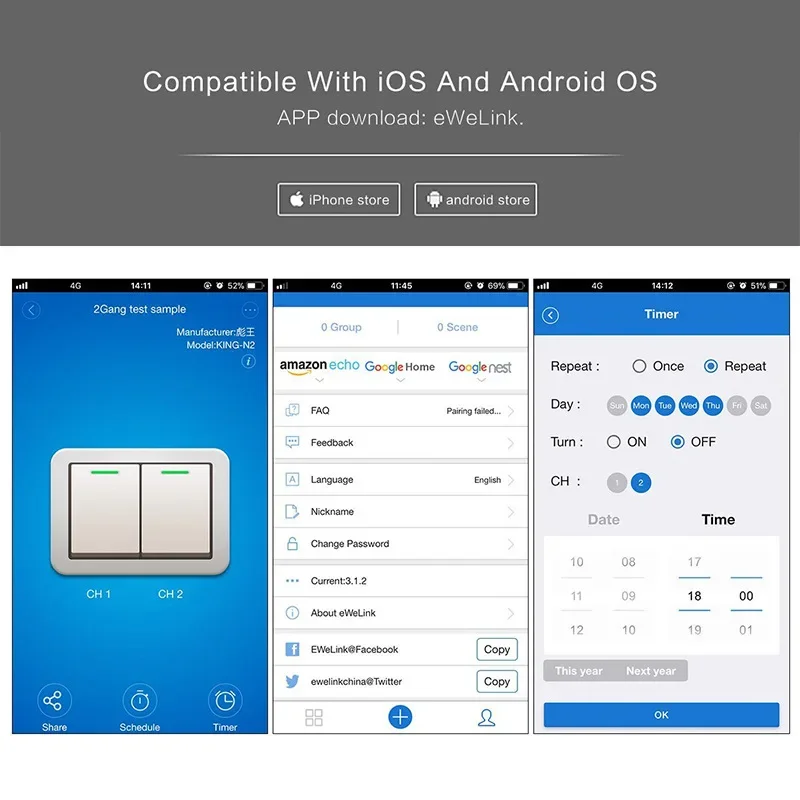
The user can use a smartphone to remotely control the home electronics remotely anytime, anywhere as long as the phone has 2G / 3G / WIFI network compatible with iOS and Android operating system
ALEXA & GOOGLE HOME CONTROL
Compatible with Amazon Alexa (Echo / Dot / Dot / Tap), Google Assistant, IFTTT. Flight ticket counter with Amazon Alexa or Google Home to turn your lights on or off with your voice, No hub required
APP TIMING FUNCTION
The intelligent timer switch will automatically turn on after setting a timer for this switch, which is essential for daily scheduling, and bring you a comfortable and intelligent lifestyle.
SENSITIVE TOUCH CONTROL
Tempered glass touch screen of this diy smart switch is sensitive to the touch of control, premium durable glass material provides up to 20 million touch figures through our rigorous testing
EASY SETTING UP
Download the Smartlife from the App Store or Google Play Store and connect your mobile device to your 2.4 GHz Wi-Fi network to find your light switch, then you can turn the lights or control other electrical devices with ease
OUR WARRANTY
Our wireless smart switch is certified will be your best choice, which is CE / FCC / RoHS / ETL certified, and we will provide you 12 month warranty to make sure you are buying at no risk. If you have questions or hesitations, please contact us our support team will respond within 24 hours.
Reminder:
Neutral Line Required. please check if you have Neutral Line before you buy this item.

Additional information
| Color | 4GANG BLACK, 4GANG WHITE, 5GANG BLACK, 5GANG WHITE, 6GANG BLACK, 6GANG WHITE |
|---|---|
| Voltage | Other |
| Model Number | WLS219-Zigbee |
| Brand Name | Melery |
| Origin | Mainland China |
| Certification | CE,RoHS,FCC,KC |
Vendor Information
- No ratings found yet!
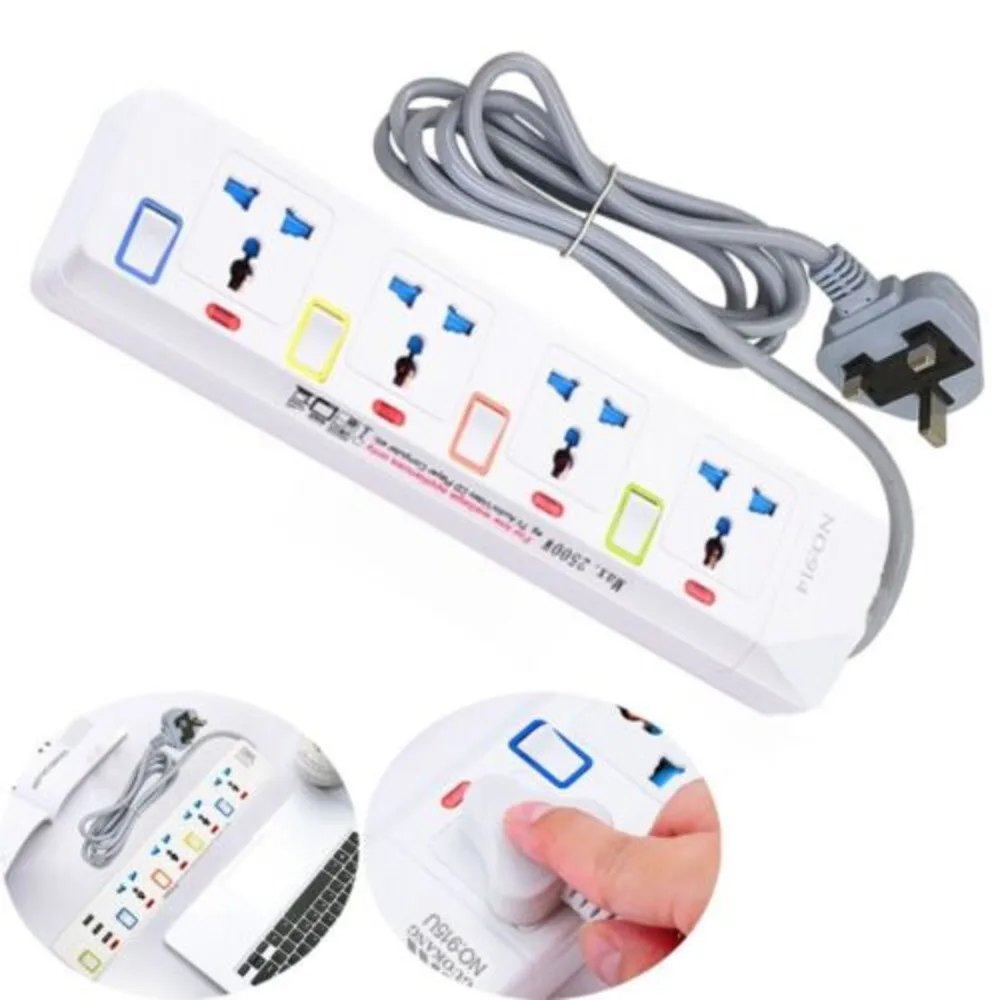
2M Extension Cable Electric Mains Power 4 Gang Way Plug Socket With Switch Tools

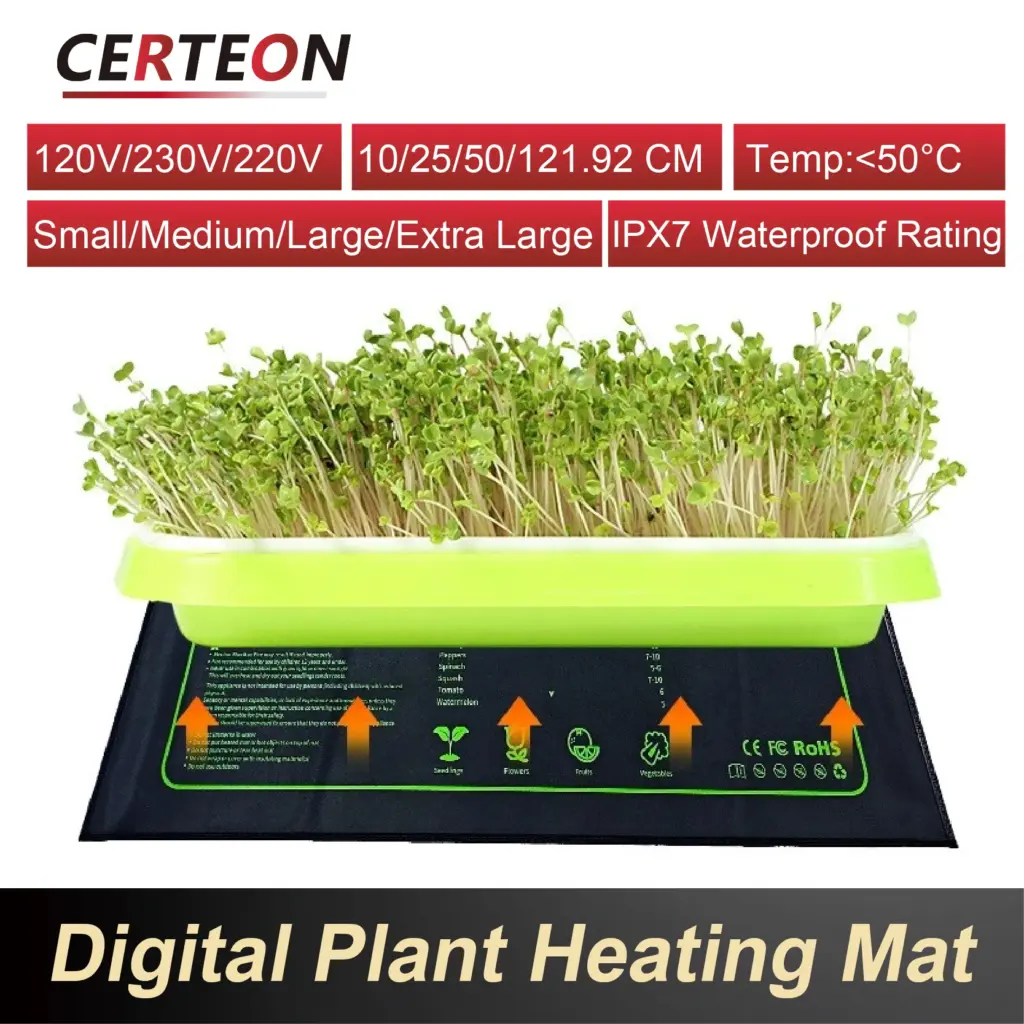
Waterproof Seed Starter Heating Mat w/ Adjustable Thermostat Plant Heat Pad for Indoor Germination US/JP/UK/EU/AU/CN

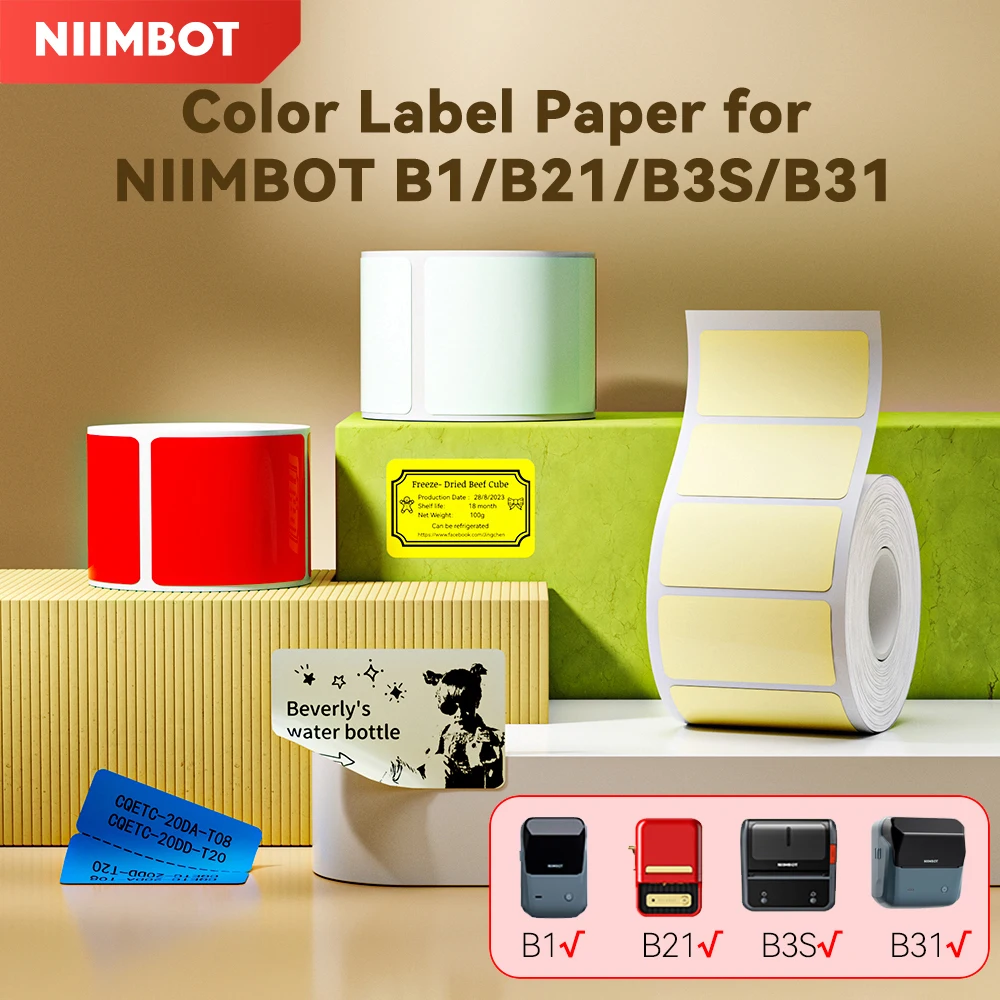
NiiMbot B1/B21/B3S/B31 Printer Self-Adhesive Label Paper Colorful Anti-Oil Tear-Resistant Tag Scratch-Resistant Removable Labels


FUFFI-S25 Ultra,Smartphone Android,6.8 inch,12+512GB ROM,4G Network,Mobile phones,Dual SIM,24+48MP Camera,Cellphones


90/120/160cm Foldable Kids Pool Wading Pool Kids Swimming Pool Baby Framed Pools Pet Bath kid Basin Pet Pool Dog Bathing Tub


Related products
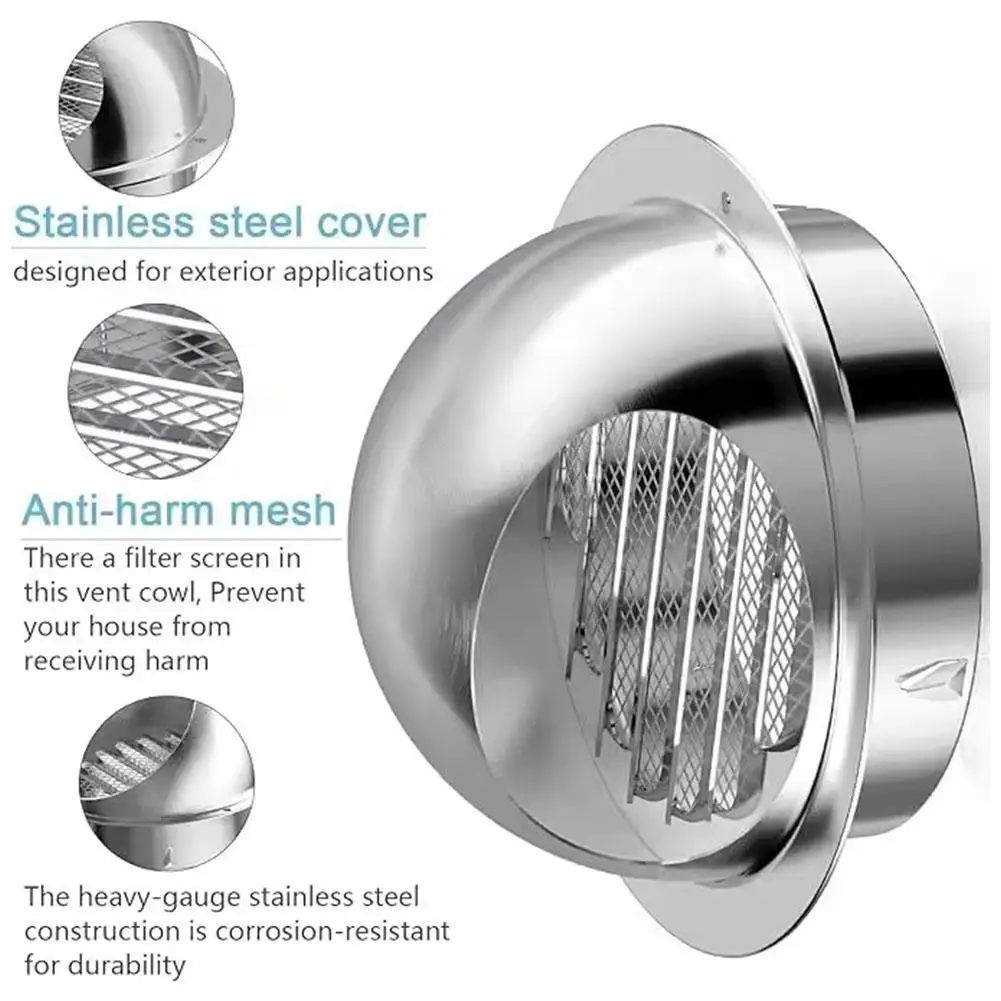
Stainless Steel Ducting Ventilation Exhaust Grille Cover for Wall Ceiling Anti-bird And Rat Prevent Air Vent Heating Cooling Cap


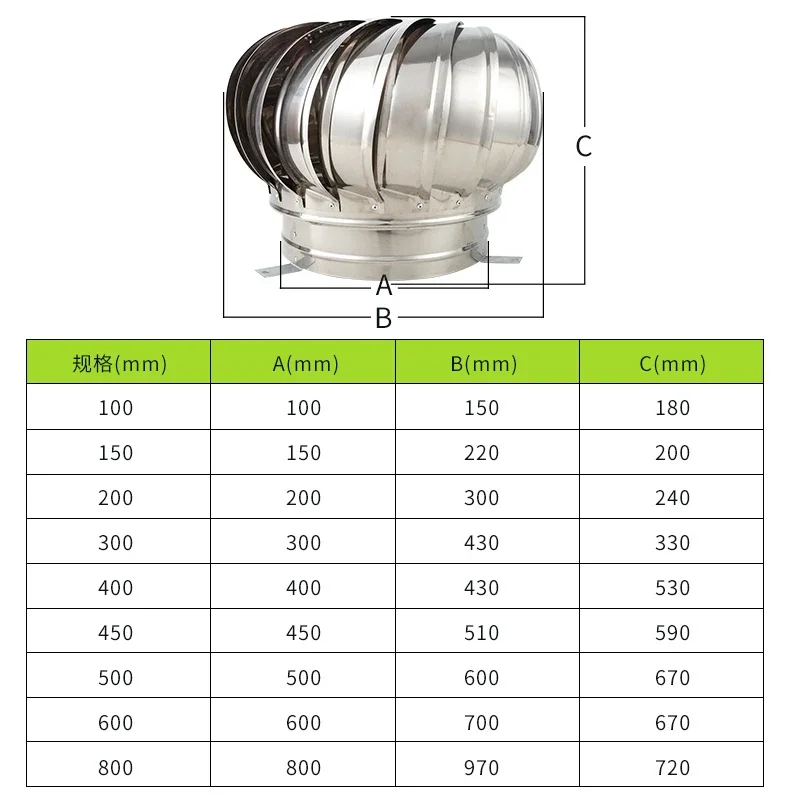
110mm 150mm 200mm Pipefit Roof Ventilating Fan 304 Stainless Steel Roof Ventilator Wind Turbines Air Vent Attic Ventilator

1Pcs 75-250mm Adapter Flange Connection Flange Adapter Gray Metal Vent Pipe Wall Window Ventilator Home Ventilation Systems



Household water purifier universal shower head to remove residual chlorine pre-filter with replaceable core filter PP cotton




Reviews
There are no reviews yet.