
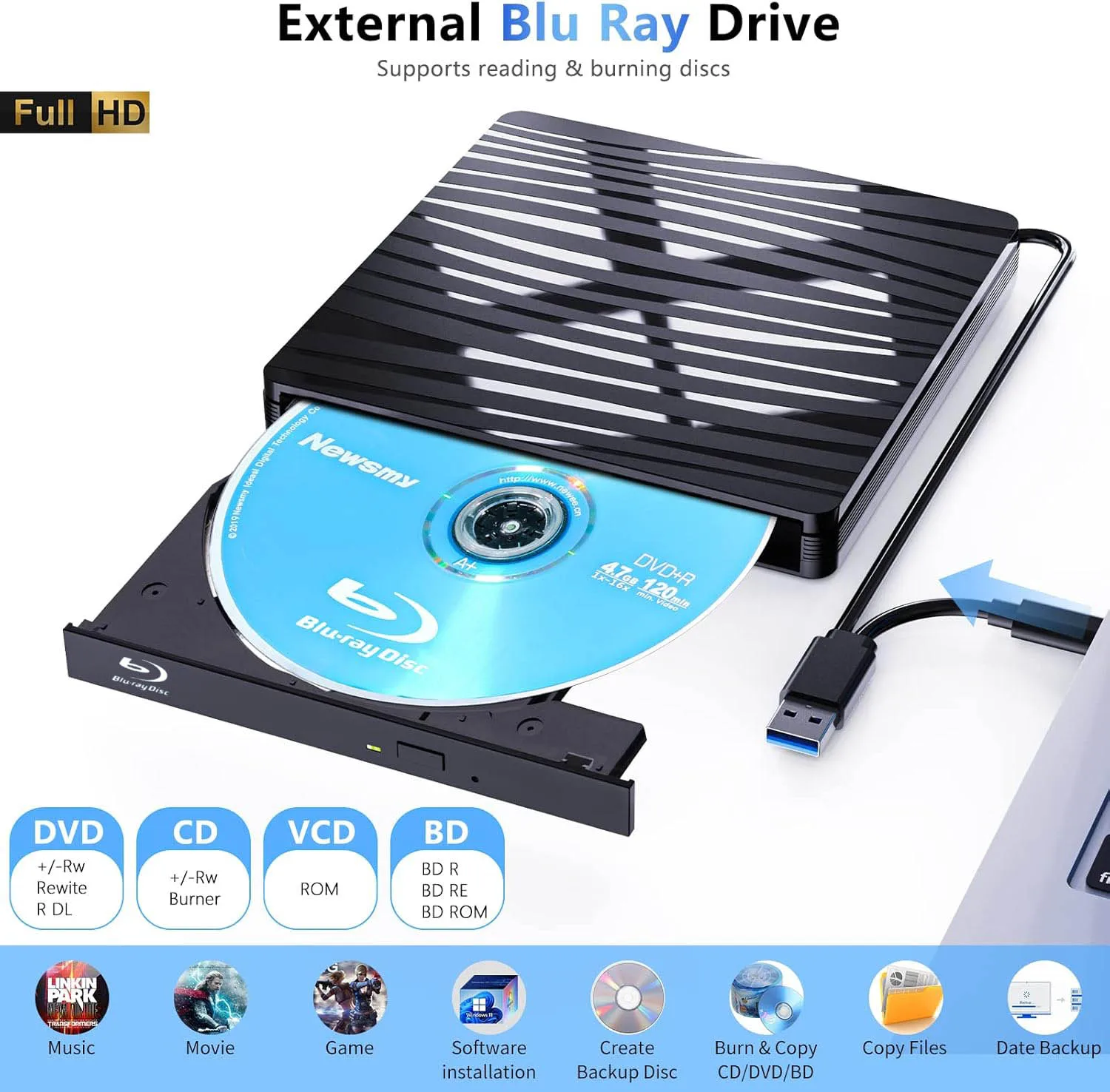
Description
- High-concerned chemical: None
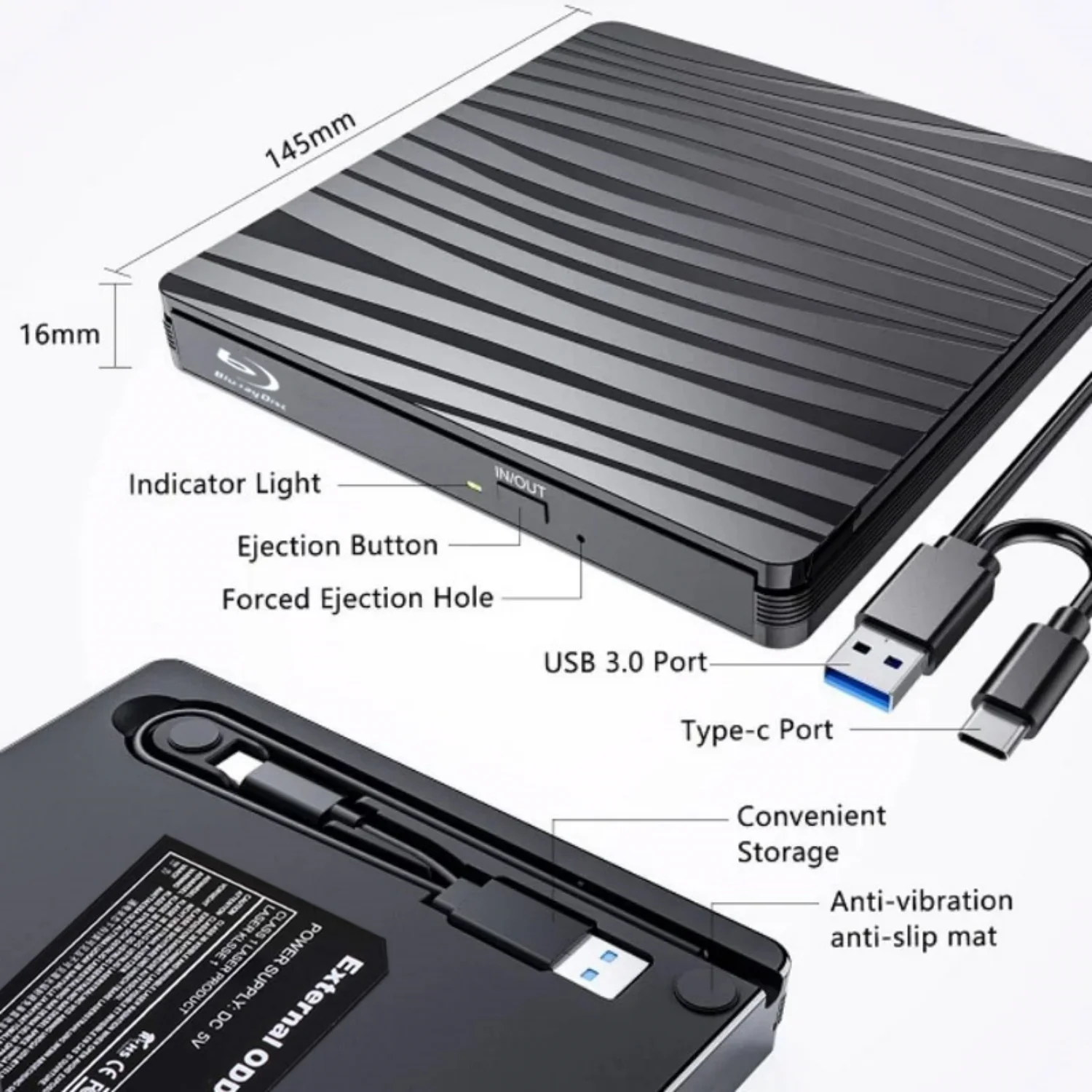
- Disc Loading Mode: Tray Type
- Error Correction Function: Support
- Cache Capacity: 8 MB
- Installation Method: External
- Maximum DVD Burning Speed: 8x
- Drive Type: BD-RW
- Disc Standard: DVD- RW
- Recording Format: DVD±RW/DVD-RAM
- Package: Yes
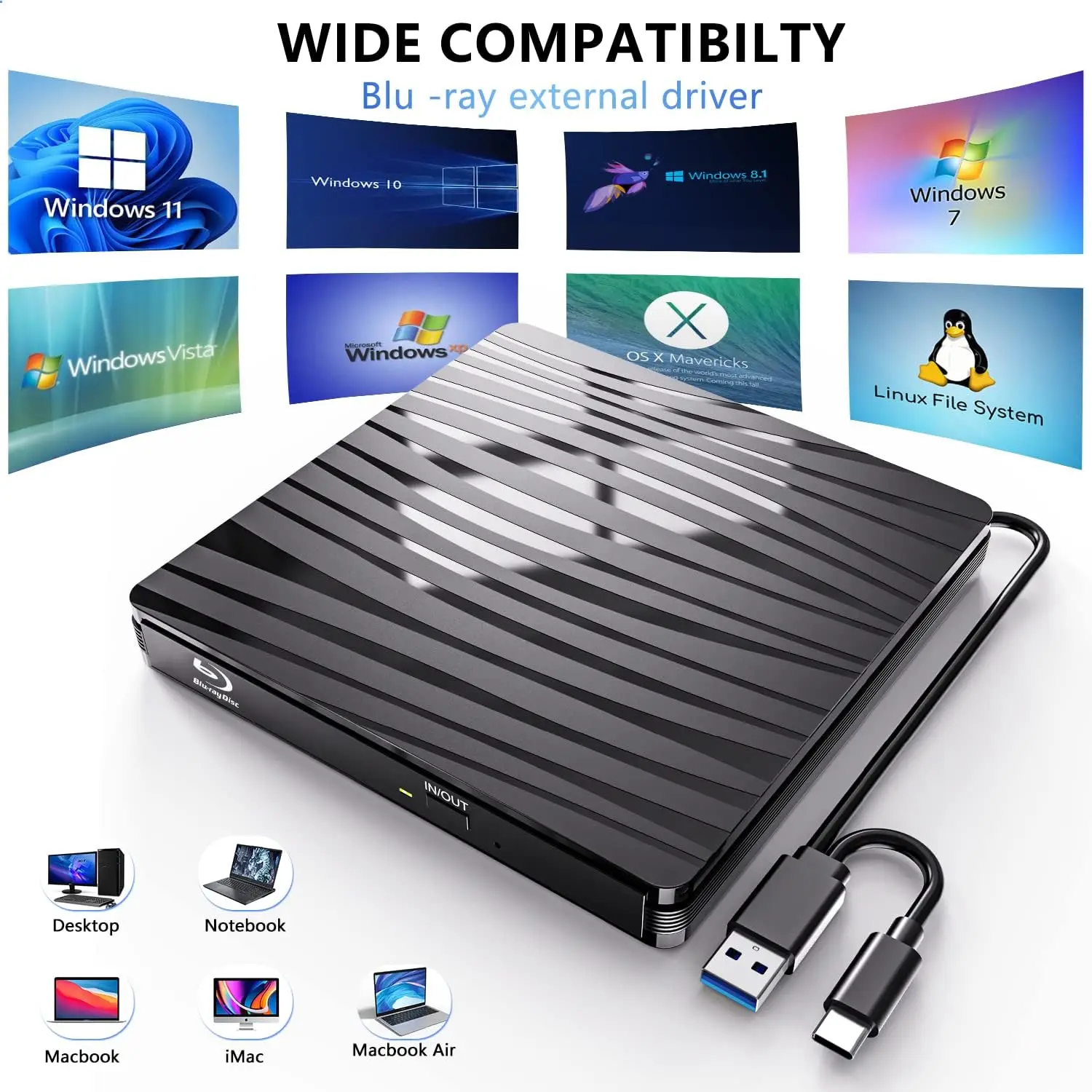
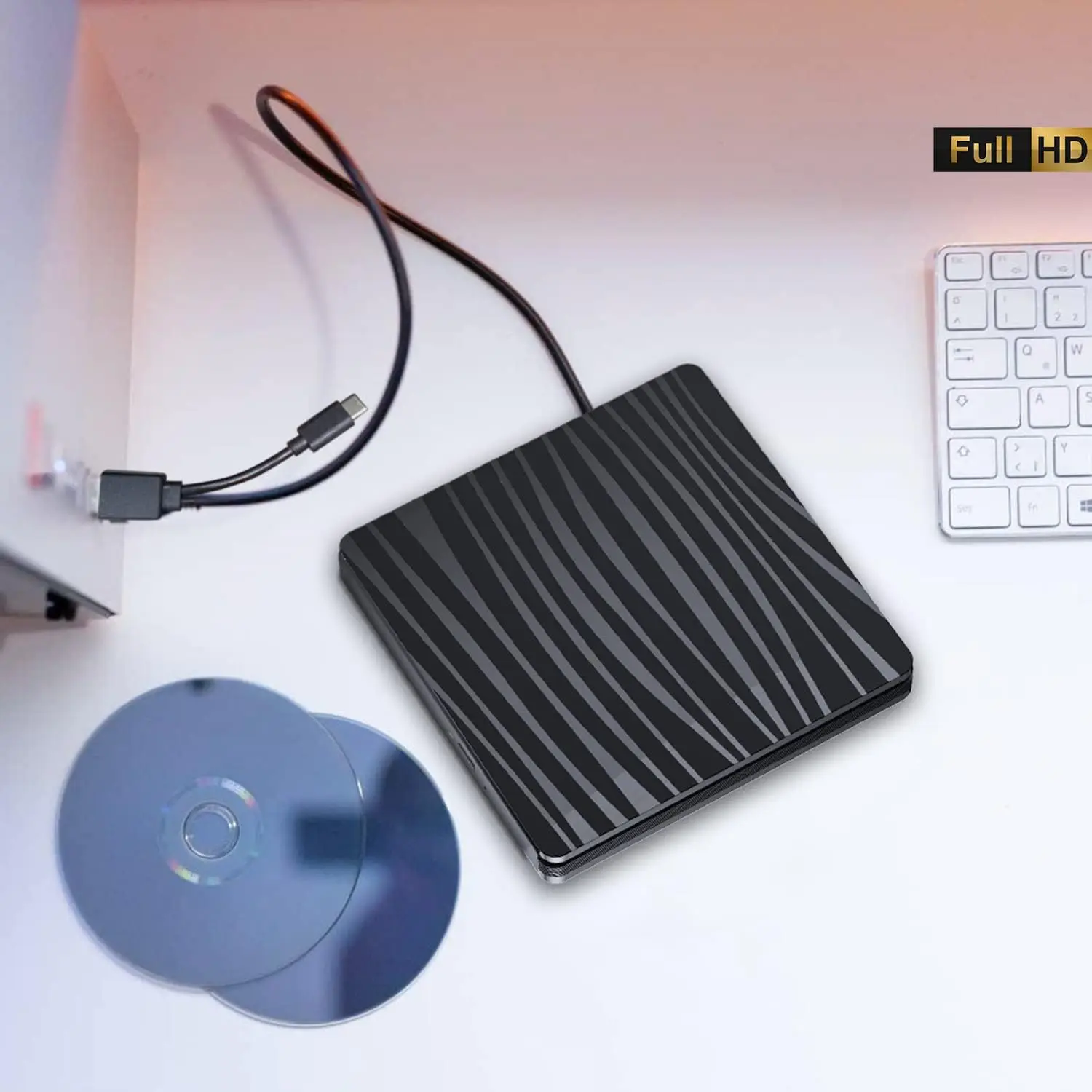
- Application: Desktop,Laptop,External
- Model Number: LGGQ01
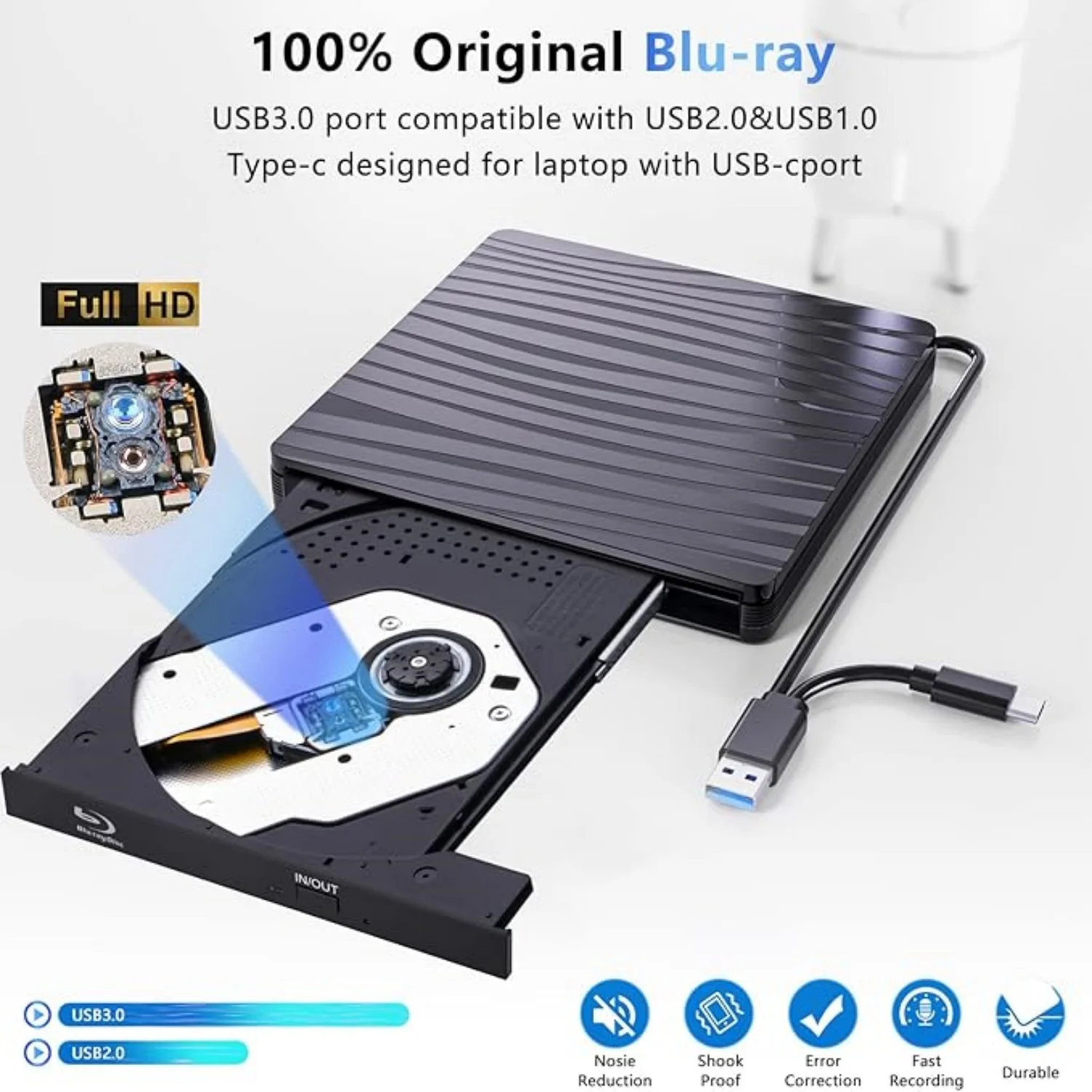
- Interface Type: USB 3.0
- Type: Blu-ray Burner
- Brand Name: LJIAL
- Origin: Mainland China
- Certification: CE,FCC,RoHS
Recommendations are as follows:
Macgo blu-ray Player for MAC OS; PowerDVD for Windows; Leawo Blu ray Player is free one for all system.
No fee playing software: Any Media Player, Any DVD
No fee burning software for Windows OS: InfraRecorder, Ones, Express Disc Burner
No fee burning software for mac OS: Burn for mac
No fee burning software for Linux OS/Unix OS: K3b (KDE Burn Baby Burn)
Please be aware that the playback/burning software for the external Blu-ray drive is not included and must be purchased separately to ensure proper functionality.
Note:
Please be aware that the playback/burning software for the external Blu-ray drive is not included and must be purchased separately to ensure proper functionality.
(1). When downloading Blu-ray playback software, Some software in Windows and MAC OS are not compatible,please make sure Blu-ray playback software is compatible with your computer system. Test it by downloading the software ’Cyberlink BD & 3D Advisor’. The software will verify whether your computer is equipped for Blu-ray or 3D playback.
(2). It’ s recommended to play the Blu-ray disc via the BD player ‘Powerdvd10-19’. Burn the Blu-ray disc via the ‘Nero’ burning software.
(Please use professional software to play Blu-ray discs,such as NERO / LEAWO / MakeMKV / iDeer Blu-ray Player / CyberLink PowerDVD / Mac Blu-ray Player / Blu-ray Player / Macgo Blu-ray Player. Some Blu ray playback software requires a fee.)
(3). Block the region code. If the copyright-protected Blu-ray disc with a region code may not be used, you can encode the region code by downloading the block software ‘Any DVD’.
Package Including:
1x USB 3.0&Type-c bluray drive,
1 x User manual.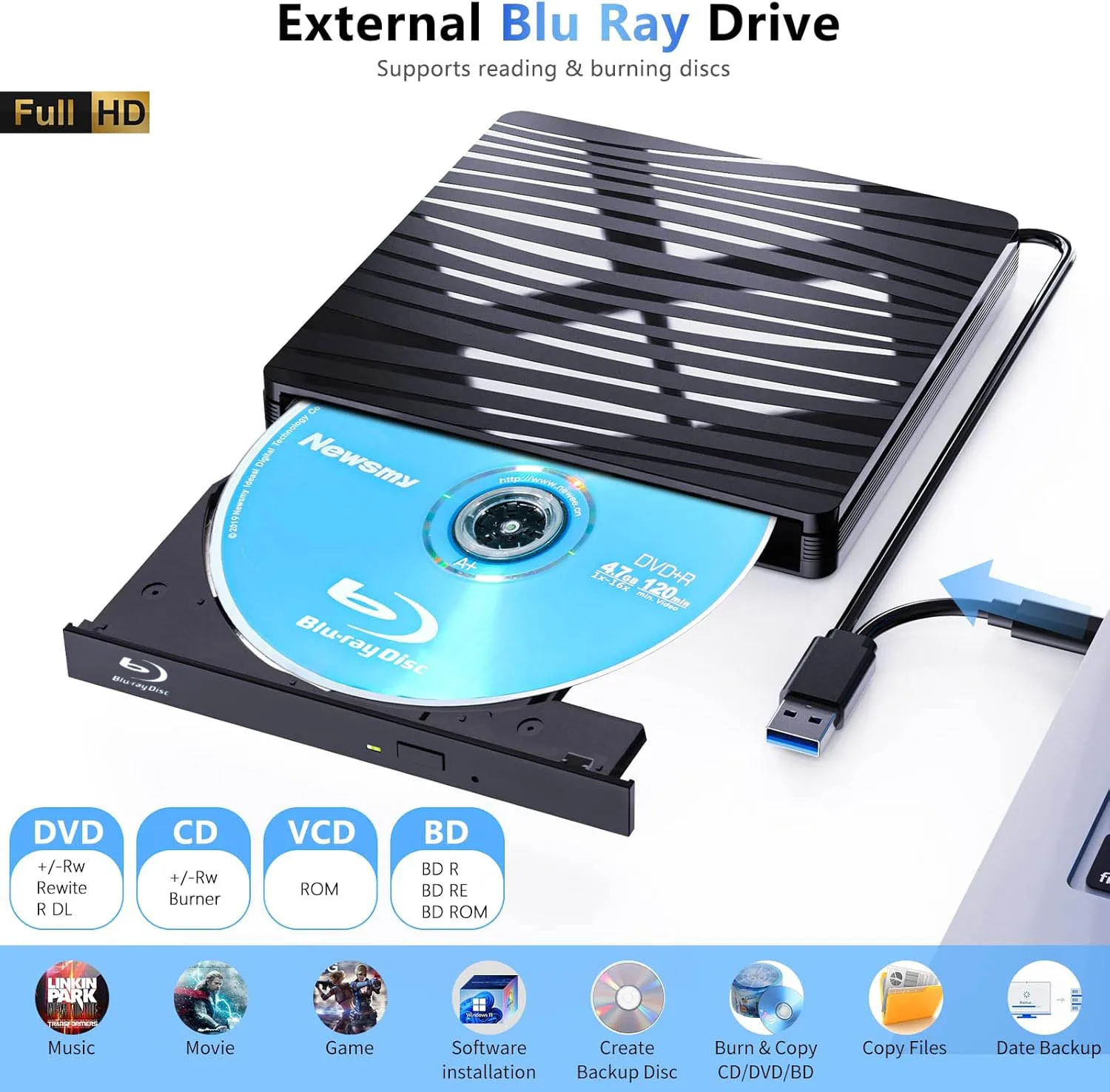
Additional information
| Color | LGGQ01 |
|---|---|
| High-concerned chemical | None |
| Disc Loading Mode | Tray Type |
| Error Correction Function | Support |
| Cache Capacity | 8 MB |
| Installation Method | External |
| Maximum DVD Burning Speed | 8x |
| Drive Type | BD-RW |
| Disc Standard | DVD- RW |
| Recording Format | DVD±RW/DVD-RAM |
| Package | Yes |
| Application | Desktop,Laptop,External |
| Model Number | LGGQ01 |
| Interface Type | USB 3.0 |
| Type | Blu-ray Burner |
| Brand Name | LJIAL |
| Origin | Mainland China |
| Certification | CE,FCC,RoHS |
8 reviews for USB3.0 External Blu-ray Optical Drive for Laptop PC Windows 11/10 Mac Portable 3D BD-RW Drive BD DVD CD Player Burner Reader
Vendor Information


AliExpress Shopper (verified owner) –
Exceeded my expectations, served me perfectly, using it to make the BD-JB, PS4 unlock blu-ray, worked flawlessly, very good and also records CDs and DVDs, great for recording PS3 games for those who want to play them on blu-ray at home.
A***r (verified owner) –
It works great. Burned a blu-ray disc successfully. It feels solid. Remember to push the tray back in for the writing software to verify the data.
N***r (verified owner) –
Connected to my desktop and zero problems with win10 it is working and fast, low noise, and currently converting movie disk into mp4 files…
AliExpress Shopper (verified owner) –
It operates with a single USB cable connected on Windows 11.
No Auxiliary Power Required
The drive was MATSHITA BD-MLT UJ260AF 1.00.
I tested writing and reading at 6x speed on BD-R, and there were no issues.
AliExpress Shopper (verified owner) –
Inside is hl-dt-st bd-re_bt10n , works well (i tried it with a 25gb bd-re).
E***a (verified owner) –
Posted quickly. Nice, has superior plastic protection. Worked perfectly with Blu-ray on the PC and only needs the USB cable that already comes with it.
AliExpress Shopper (verified owner) –
For now, it works well recording Blu-ray, it looks of good quality and seems to be a good product! It arrived quickly and in its box perfectly, thanks to the seller and AliExpress!
AliExpress Shopper (verified owner) –
Lt. Nero has a drive from Matsushita, also known as Panasonic, in the case, specifically the UJ260.
I tested it with a 25 GB blank Blu-ray disc from Media-Range. This was burned at 6 times the speed.
The result according to Nero surface scan: Good, no errors.
Since it was a movie, I played the burned Blu-ray: no problem there either.
I can therefore recommend the device.